

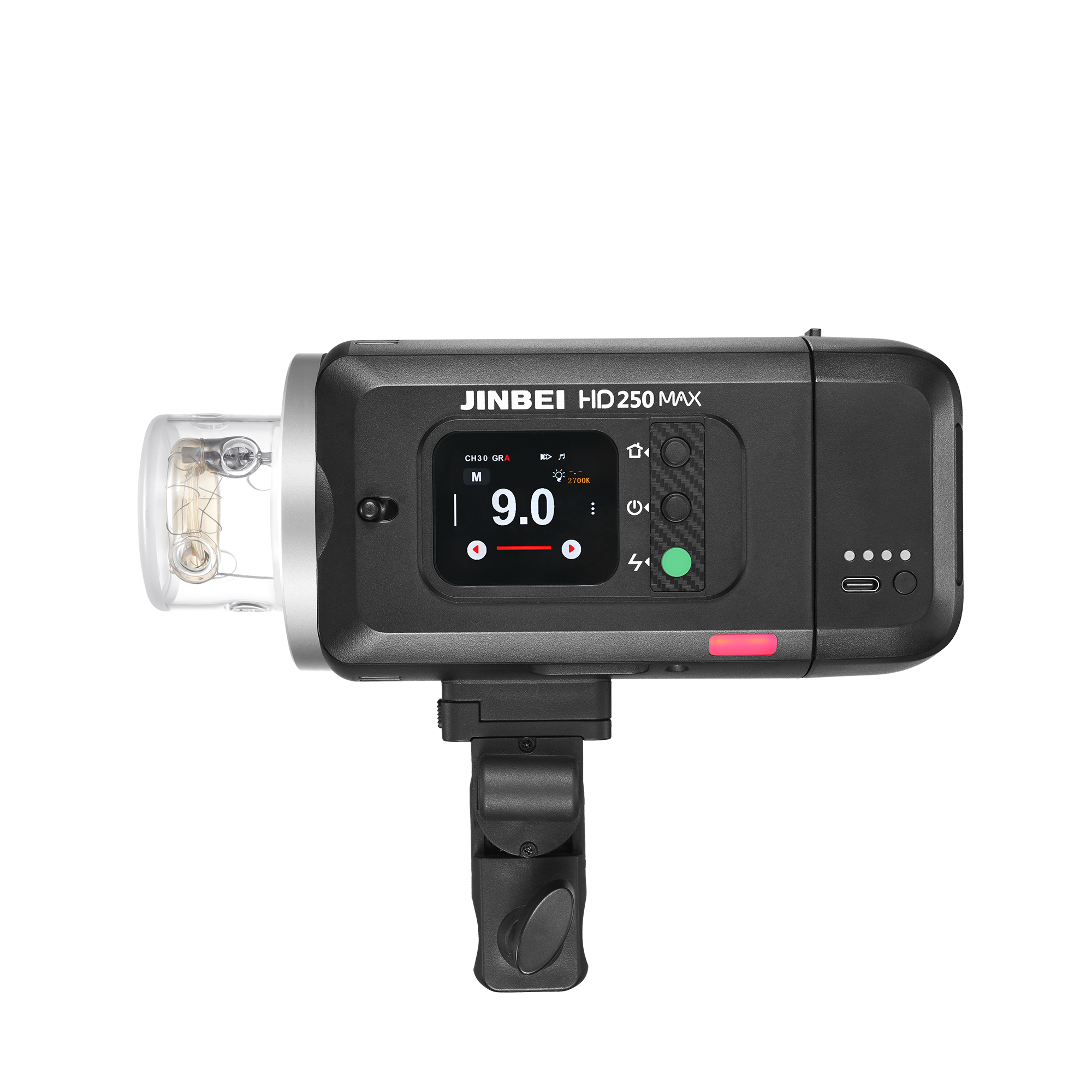
Strobe TTL Pro | HD-250MAX | 220 Ws
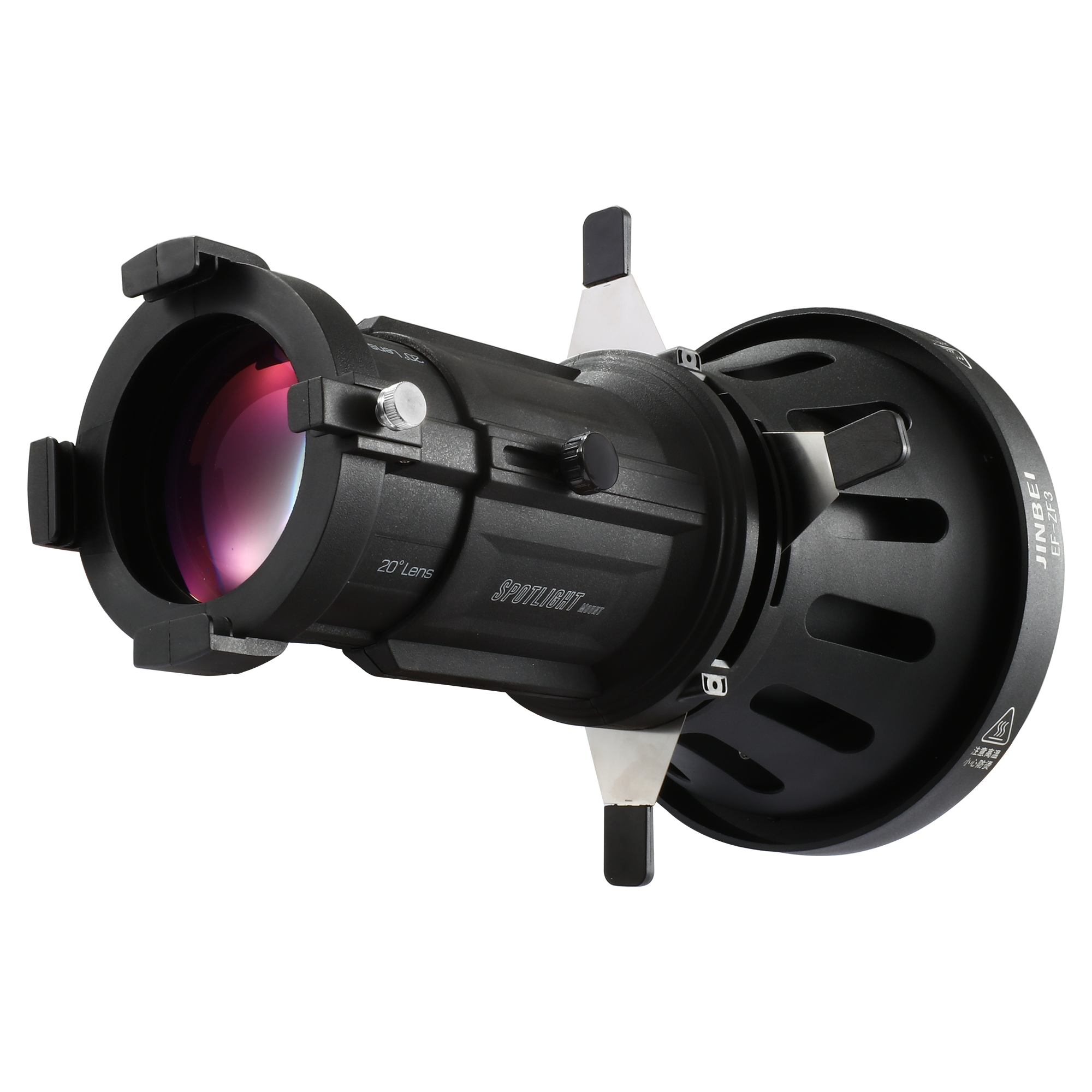
Spot attachment | EF-ZF3 | for LED continuous lights

BIG SALE
Unbeatable deals - Save big now but only while stocks last.
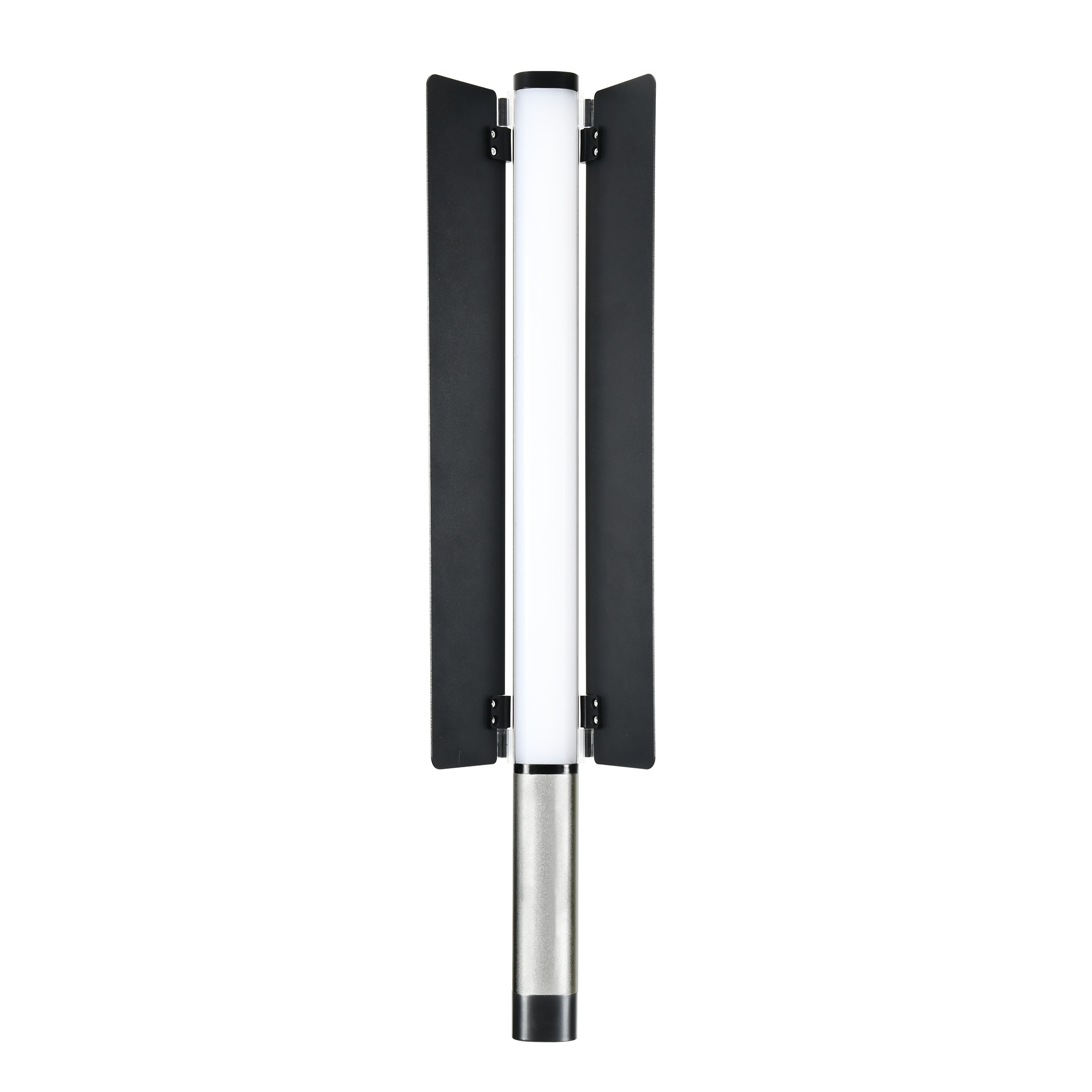
LED Stable Light | EFT-220 | Bi-Color
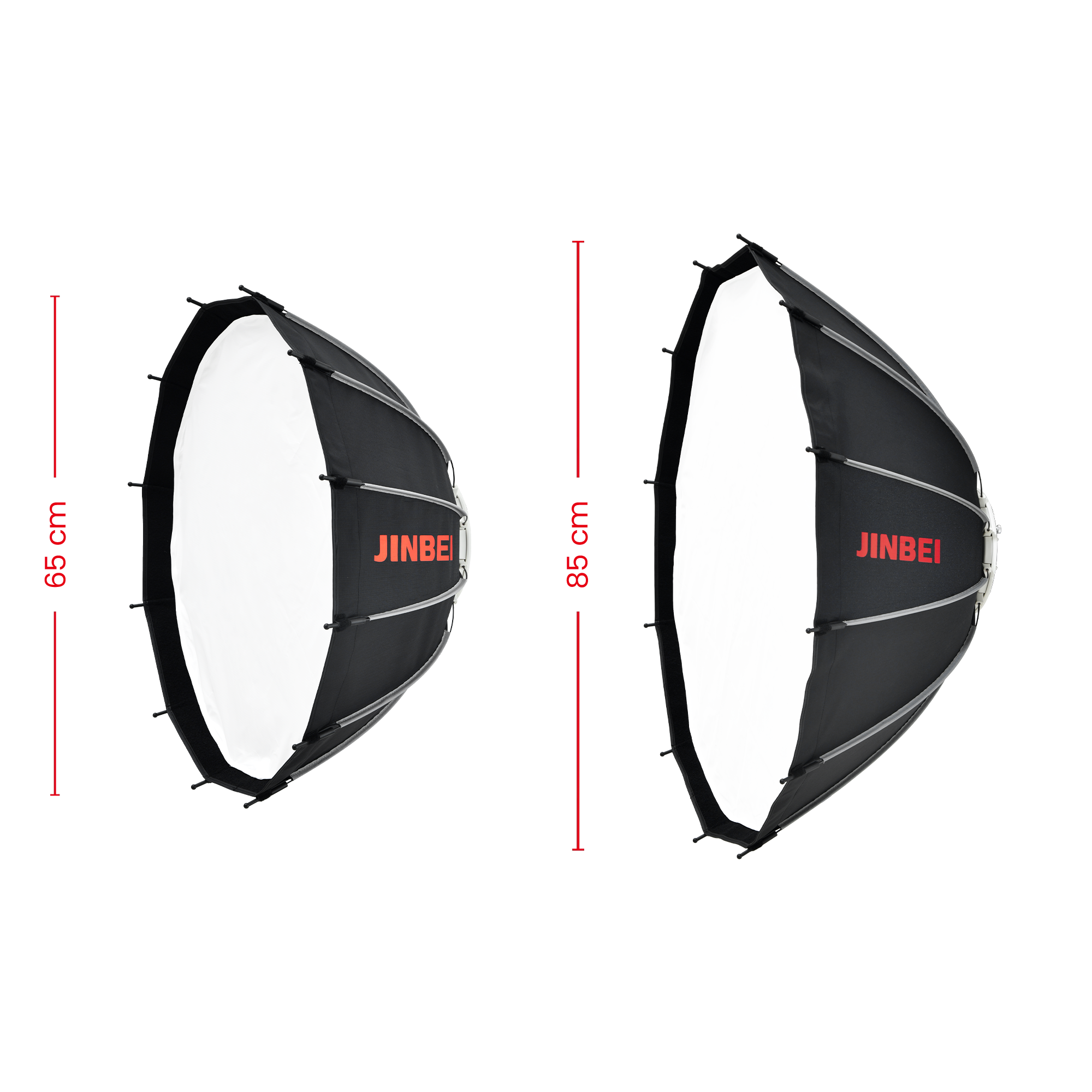
Beauty Dish Light Modifier | 65 cm / 85 cm | for Studio Flashes
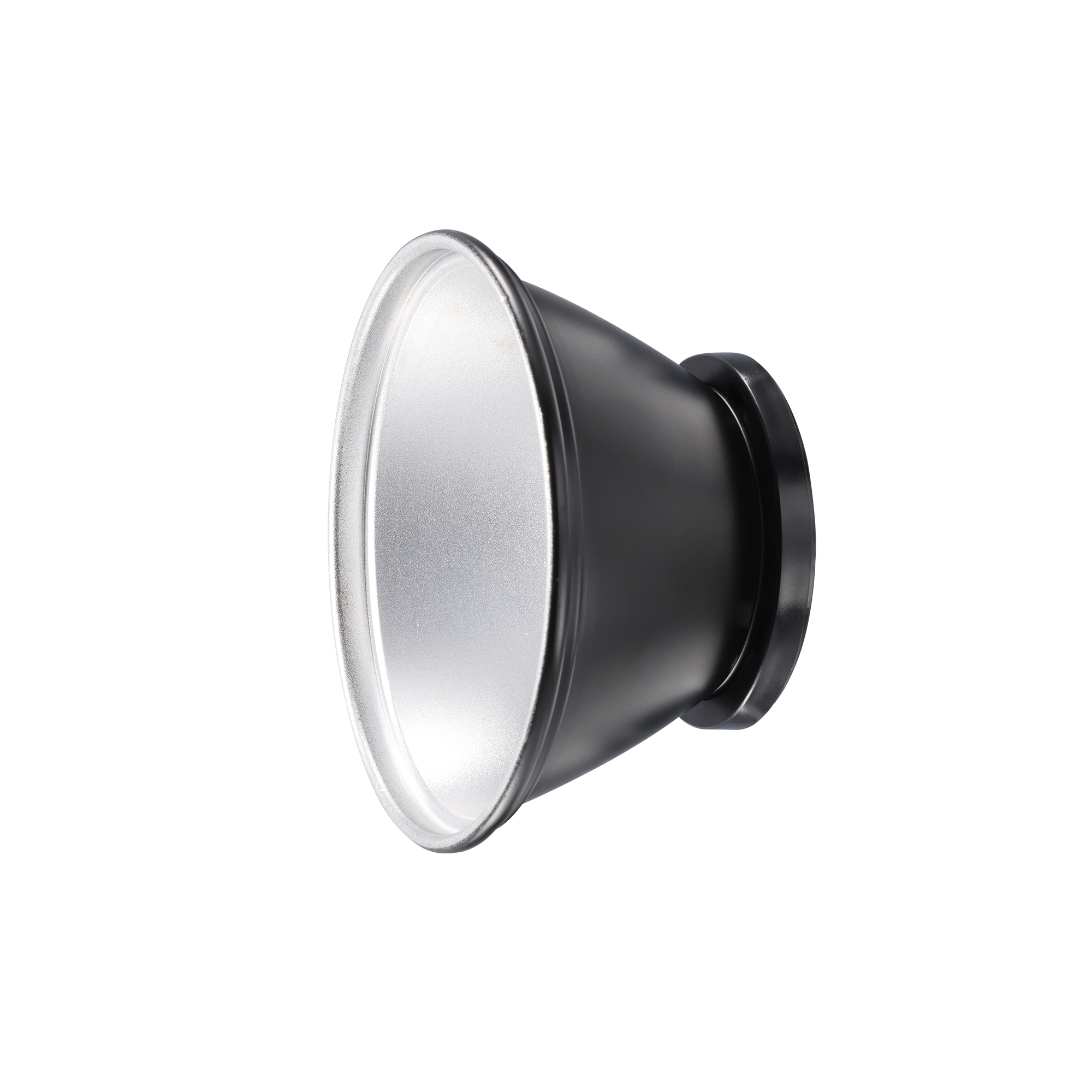
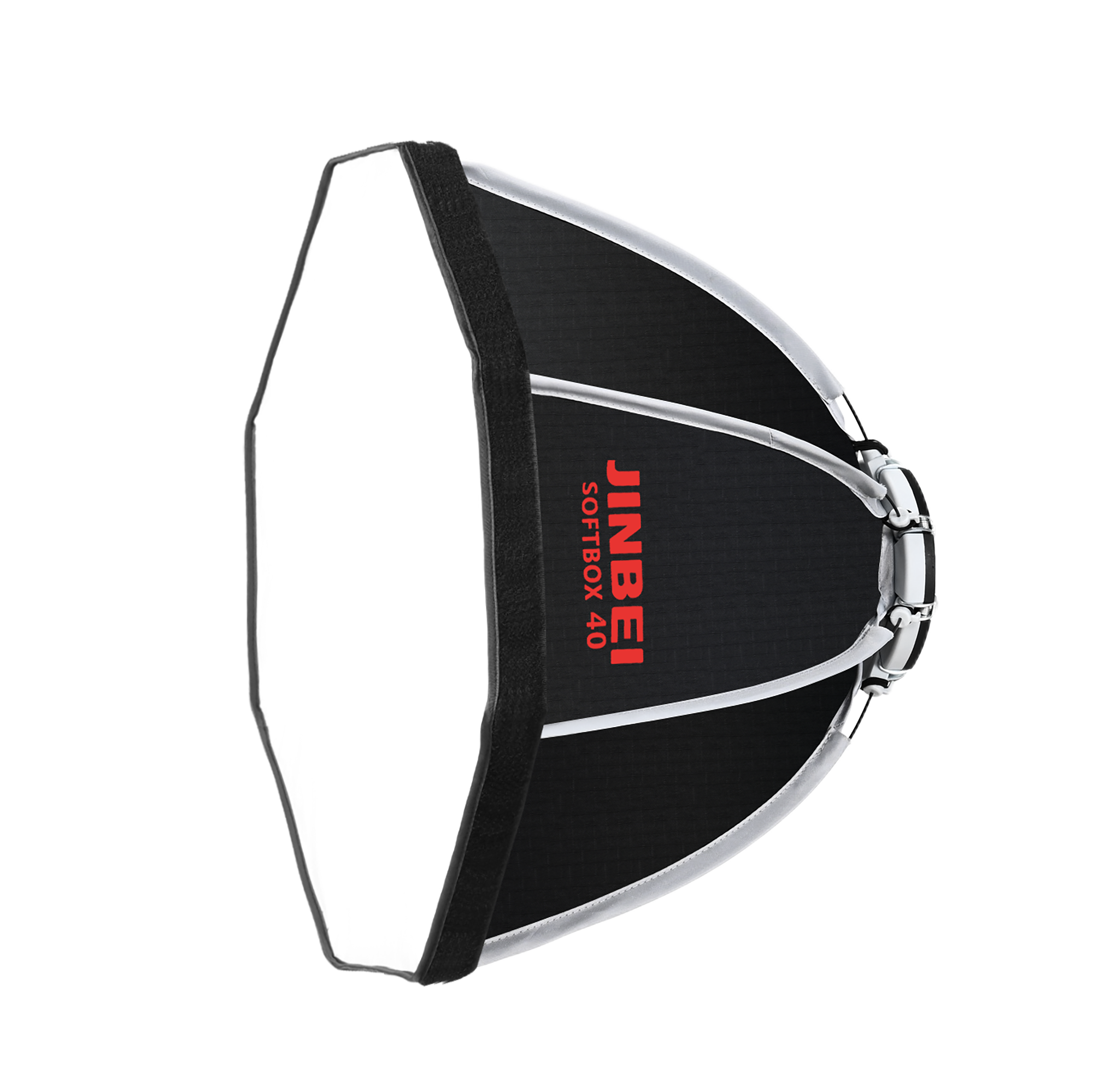
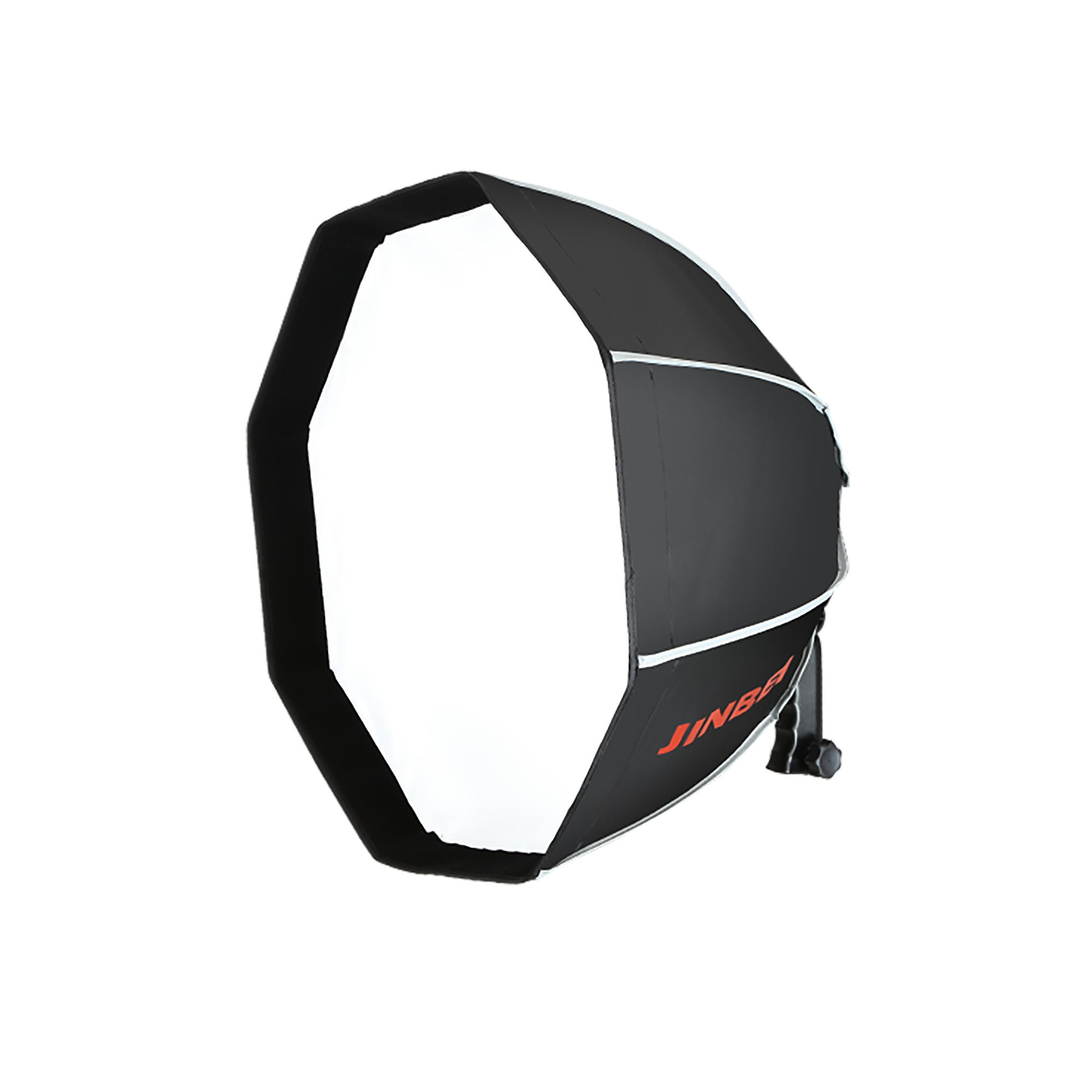
Mini Softbox | Quick-Open | Octagonal
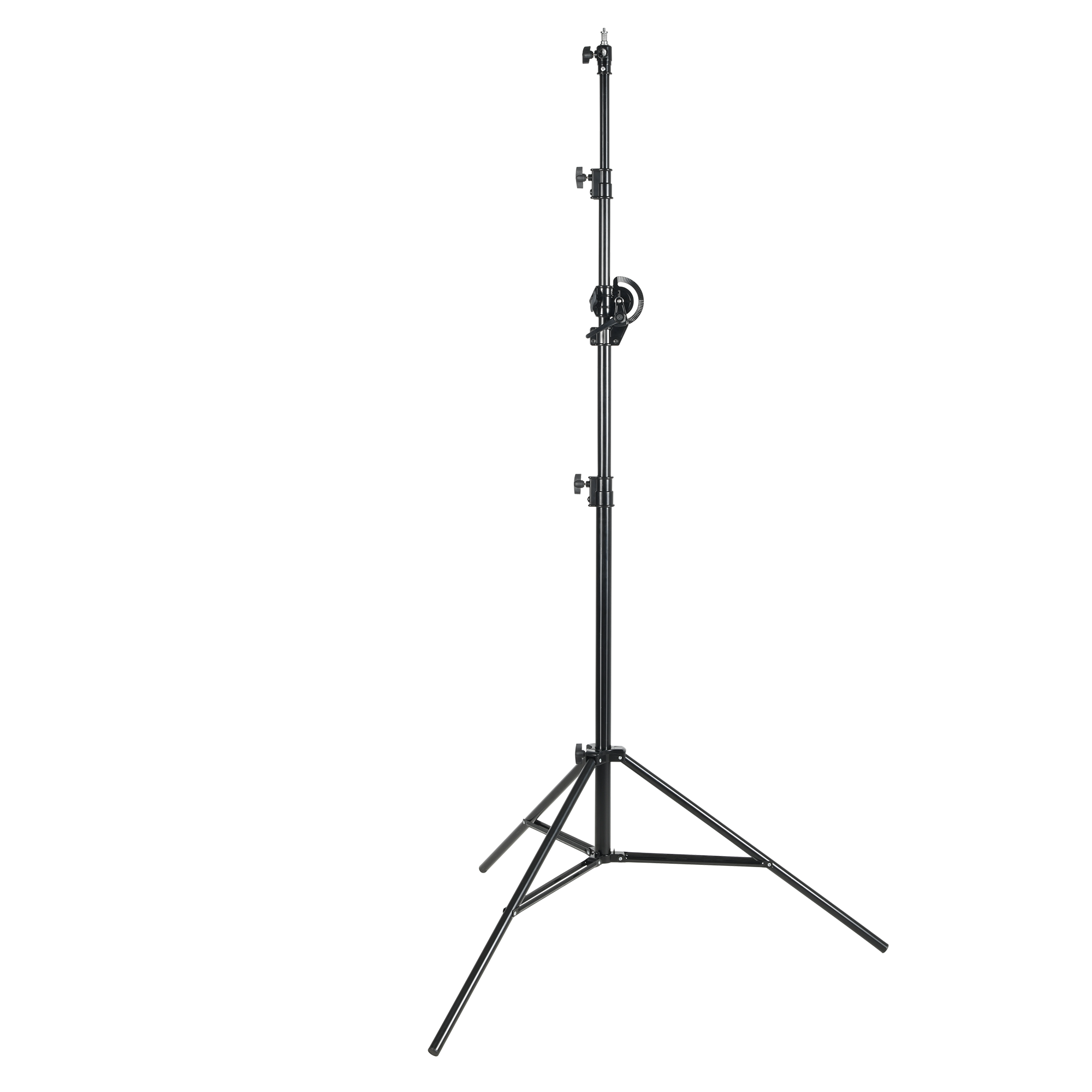
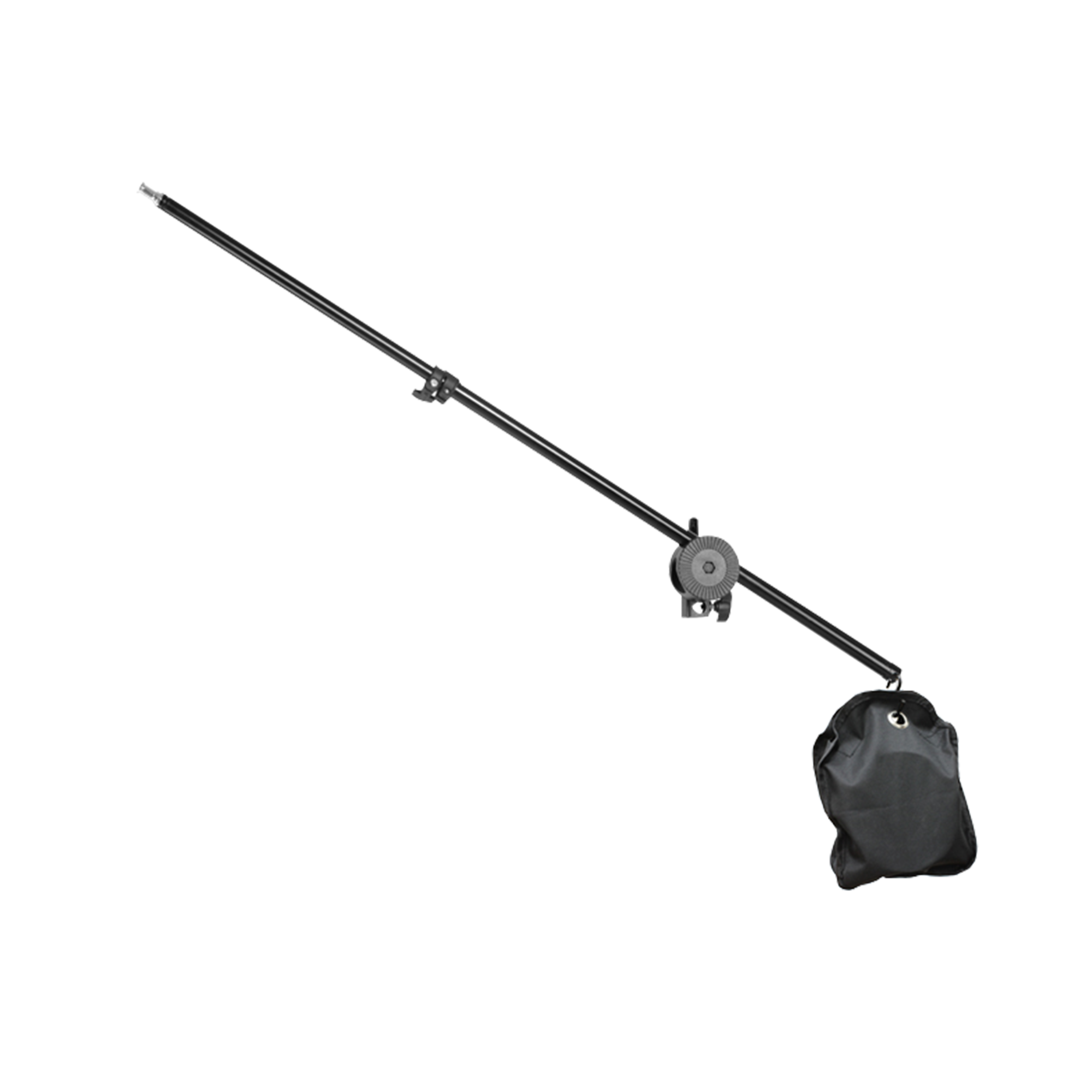
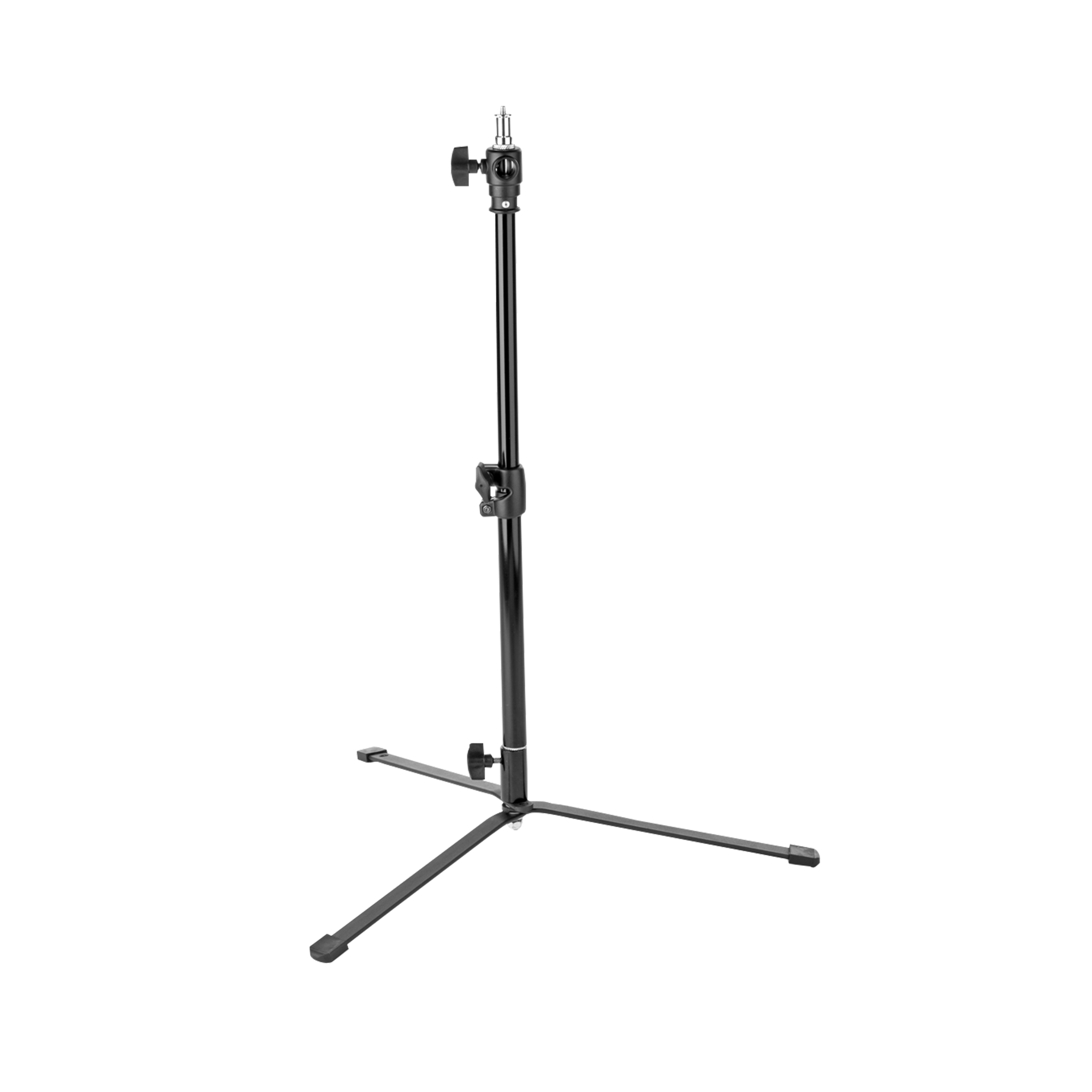
Galgen stand | for photo studio lighting
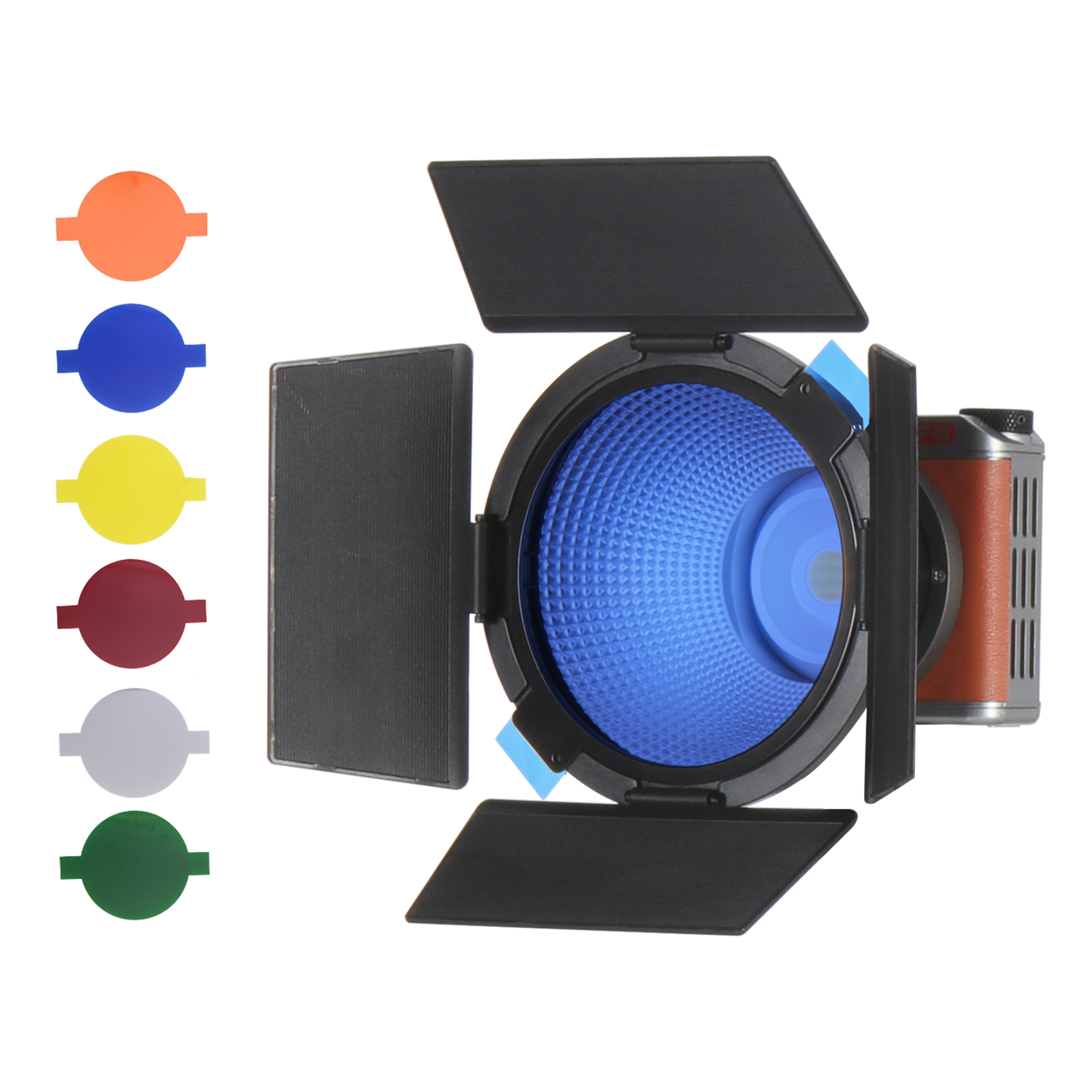
Barndoor Set | for EF-40Bi LED Continuous Light
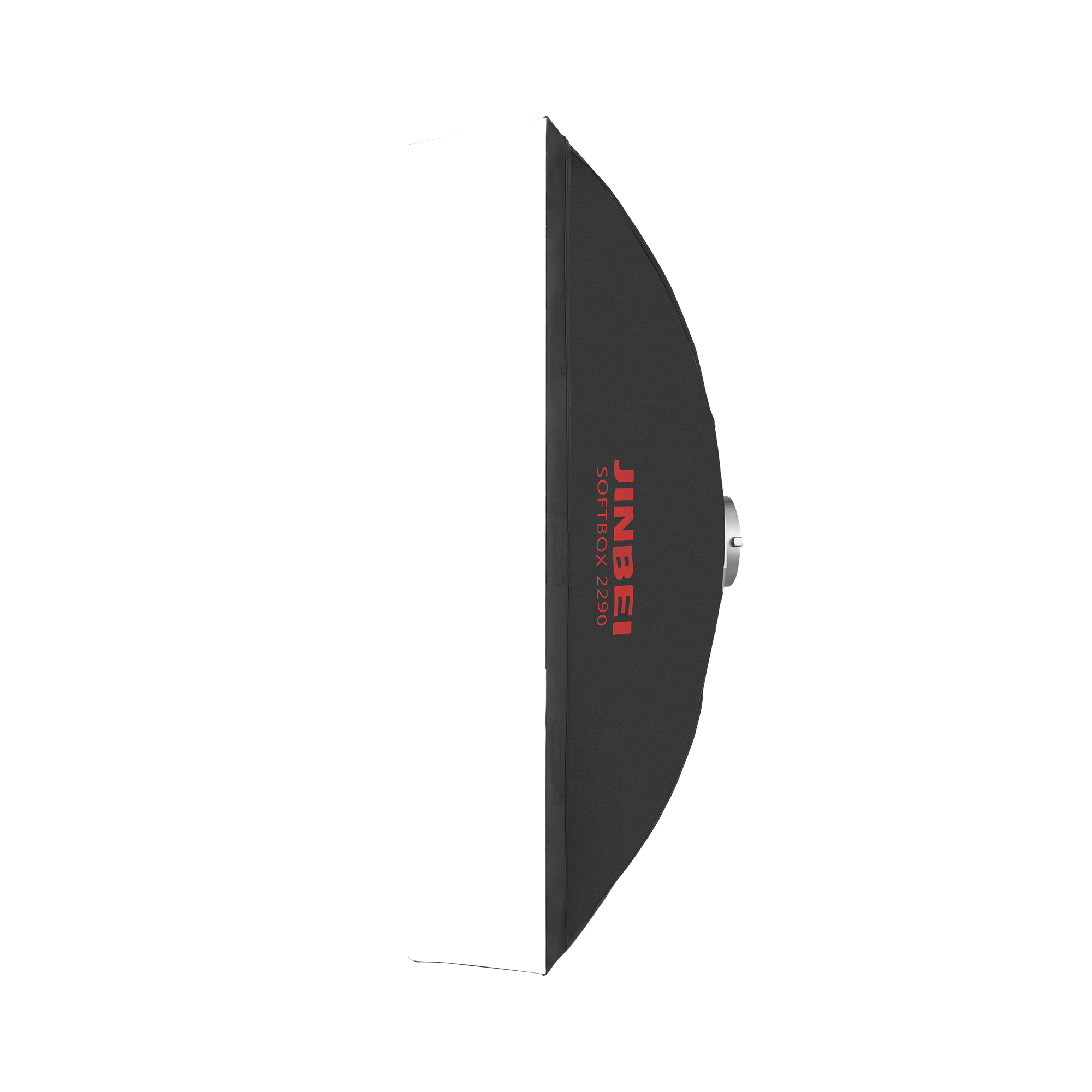
Softbox | Standard Closure | Strip
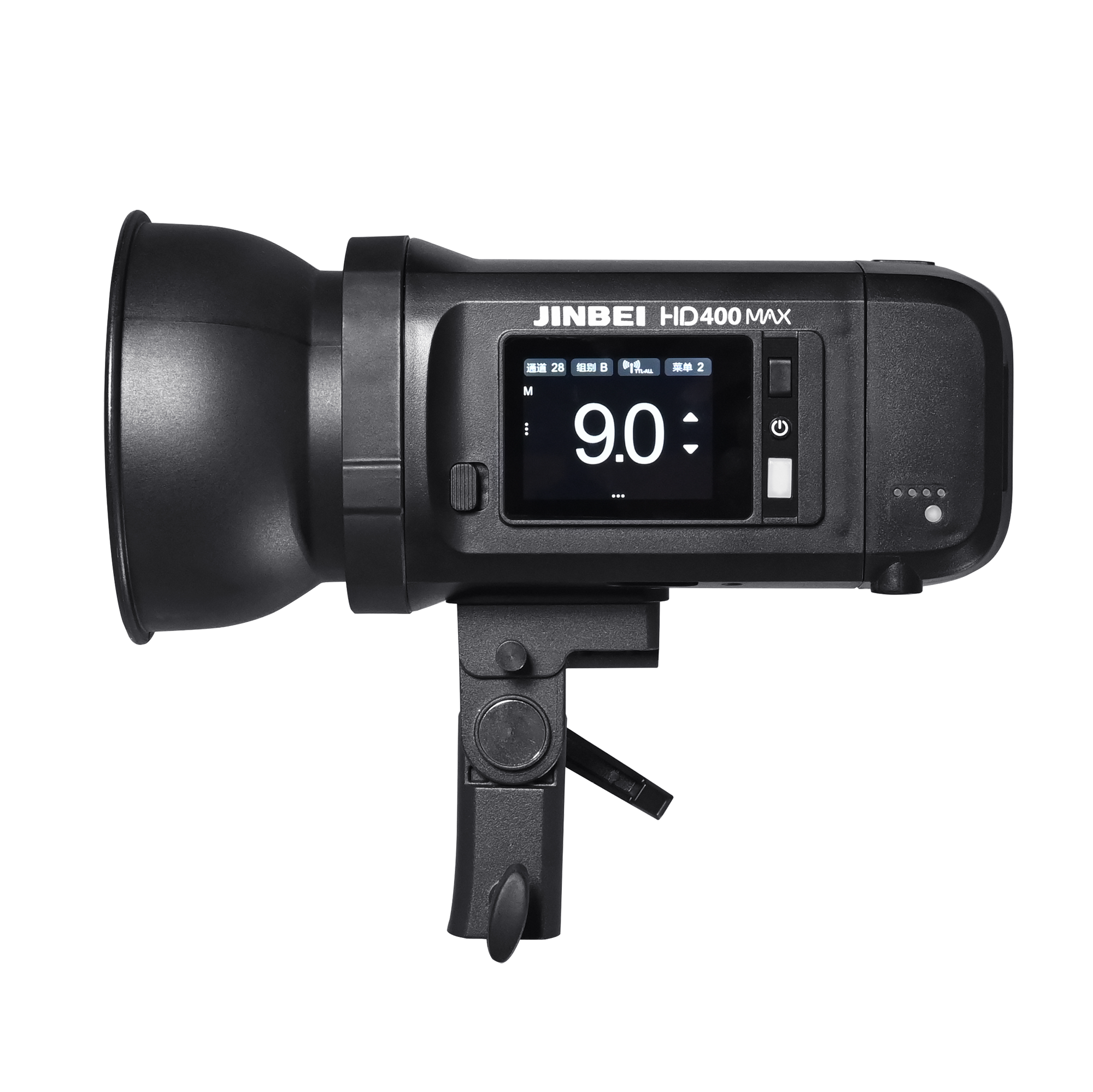
Strobe Flash TTL Pro | HD-400MAX | 400 Ws
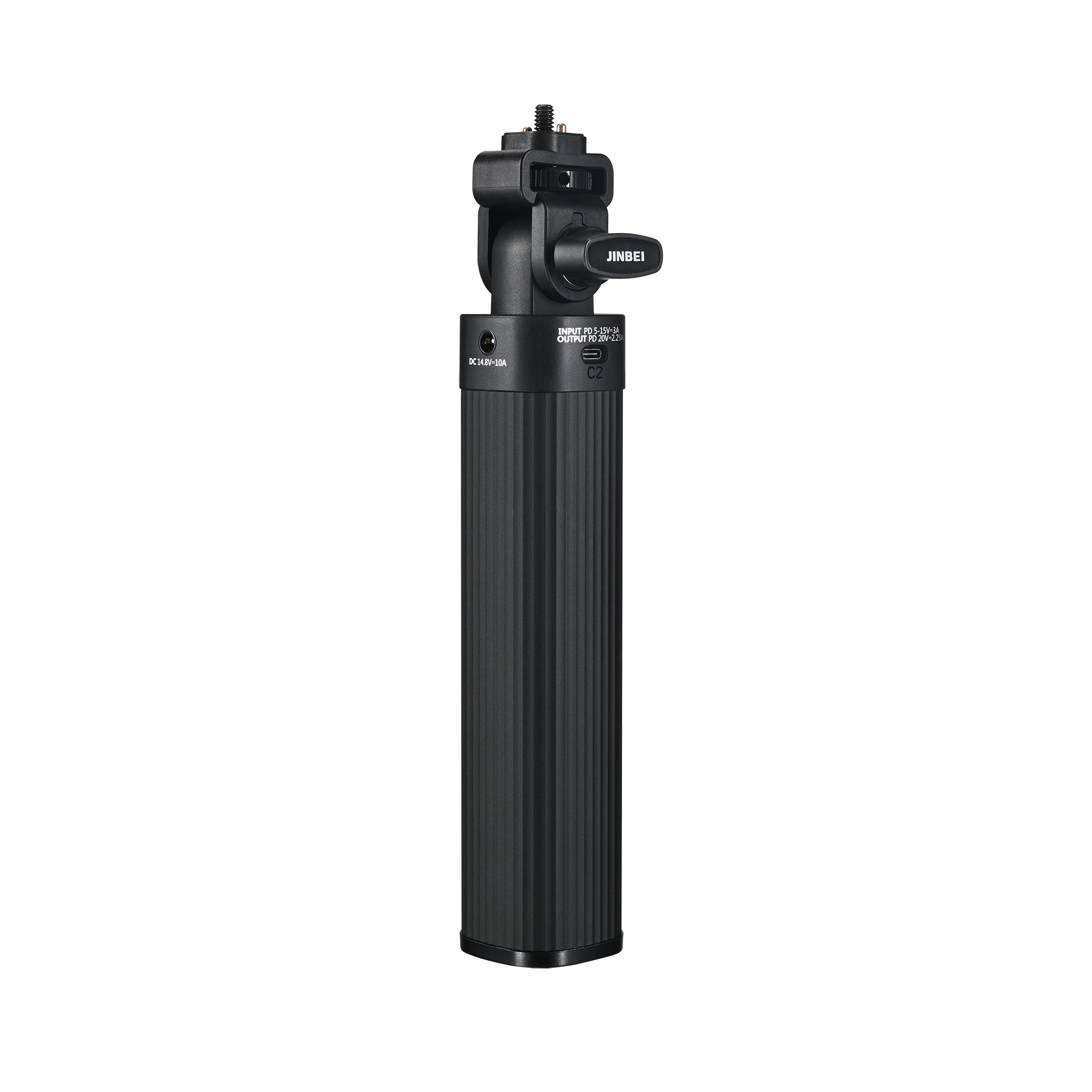
Batterie grip | BG98 | for LED continuous lights
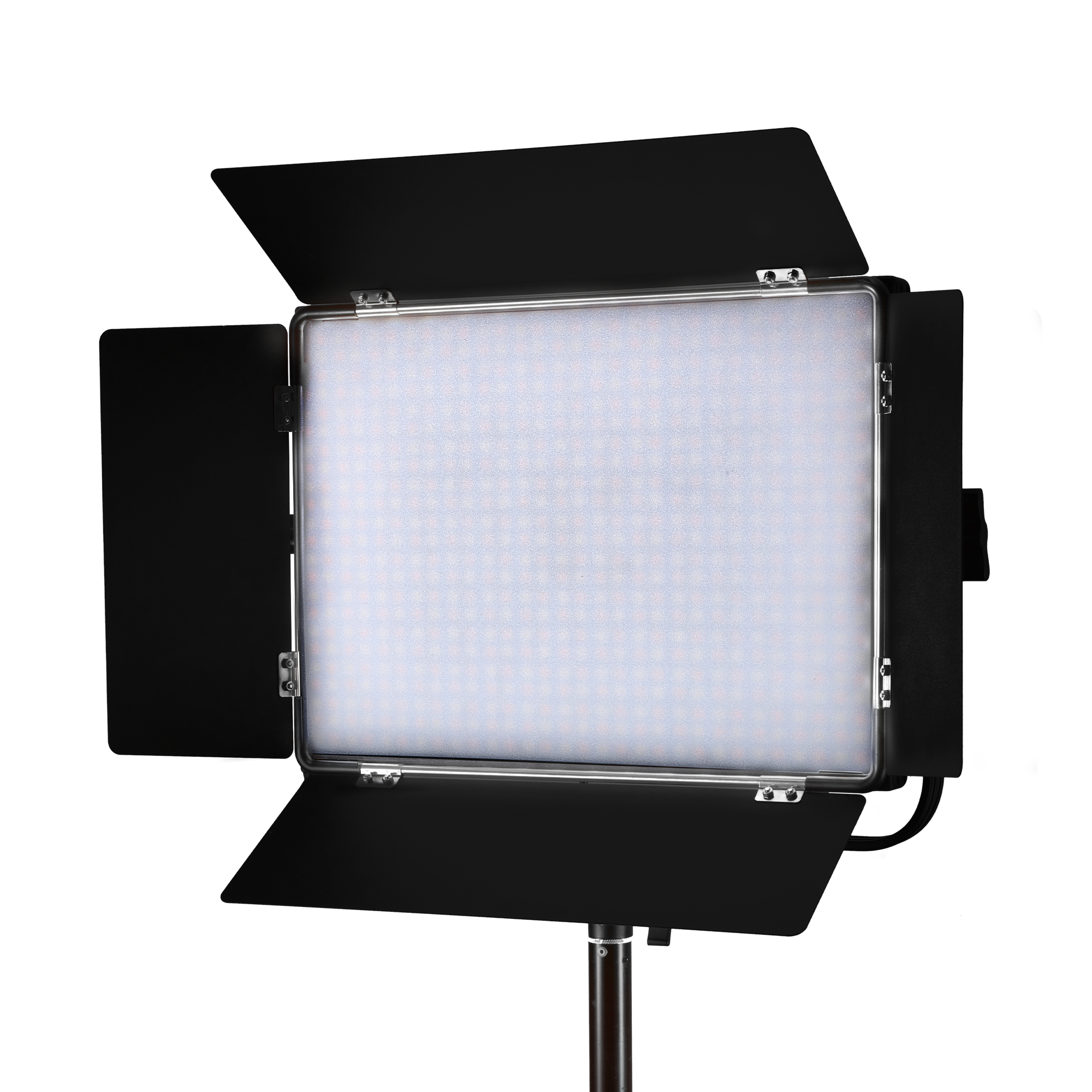
LED Continuous Light Panel | P80Bi | Bi-Color | 80 W
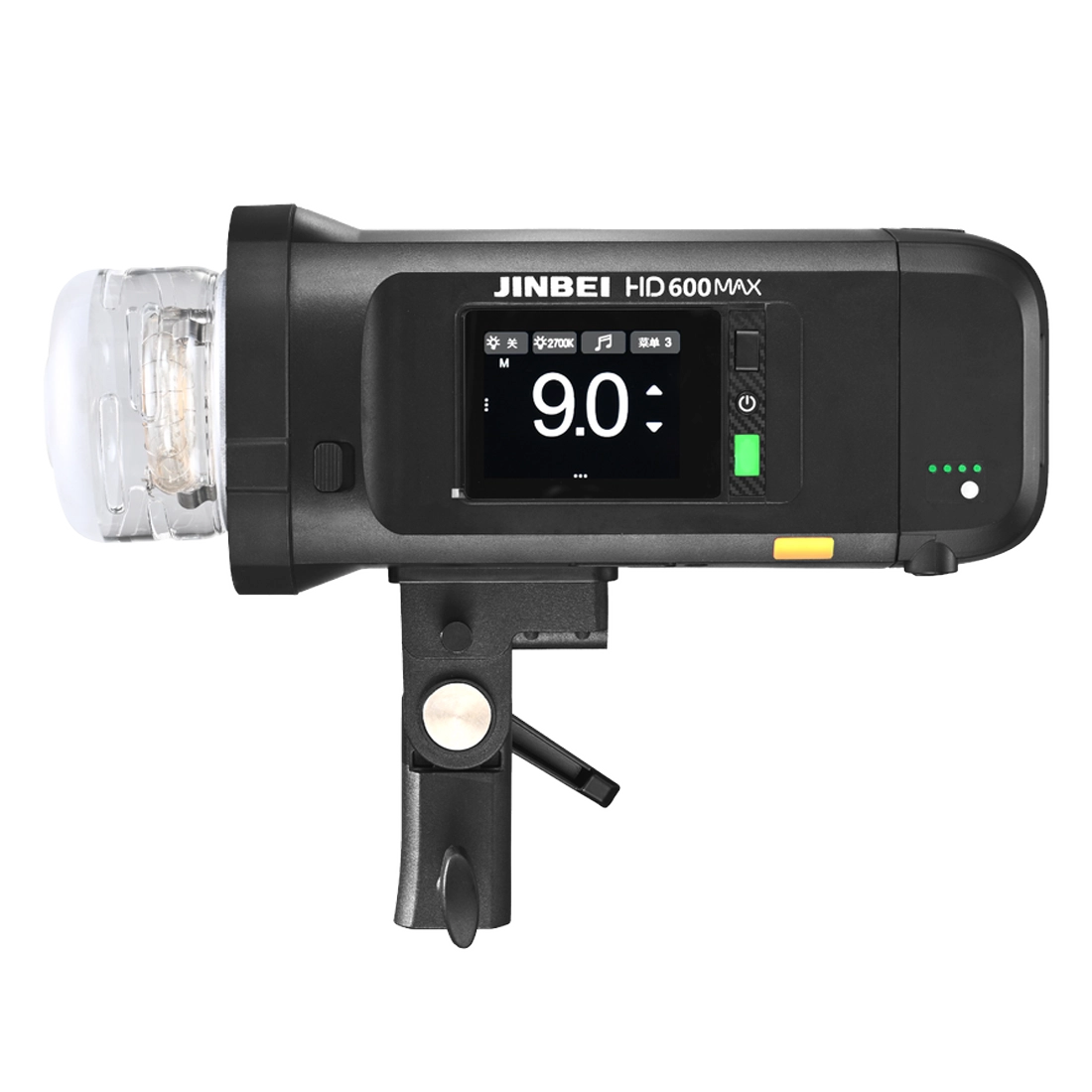
Strobe TTL Pro | HD-600MAX | 600 Ws
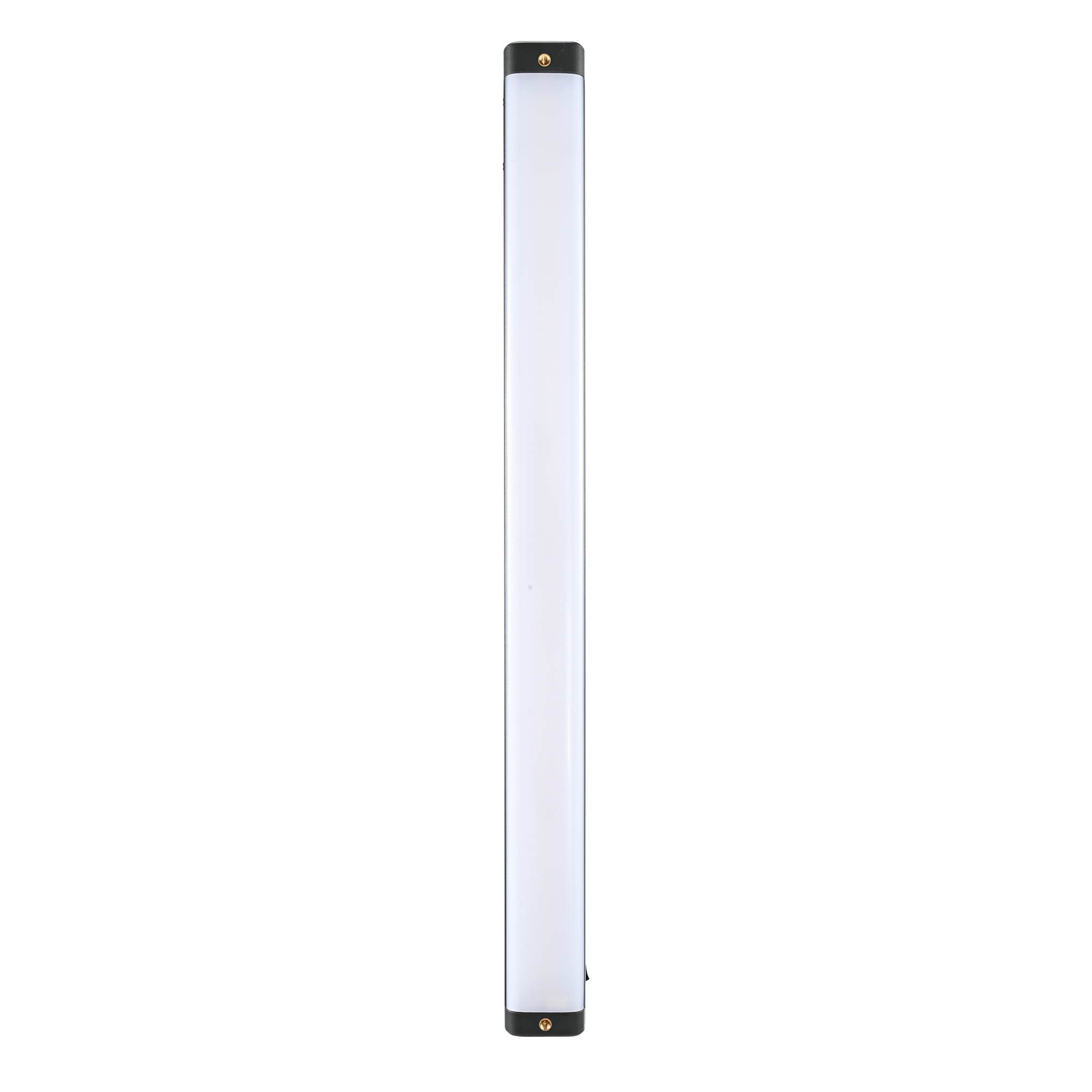
LED Stable Light | EFT-860 | RGB
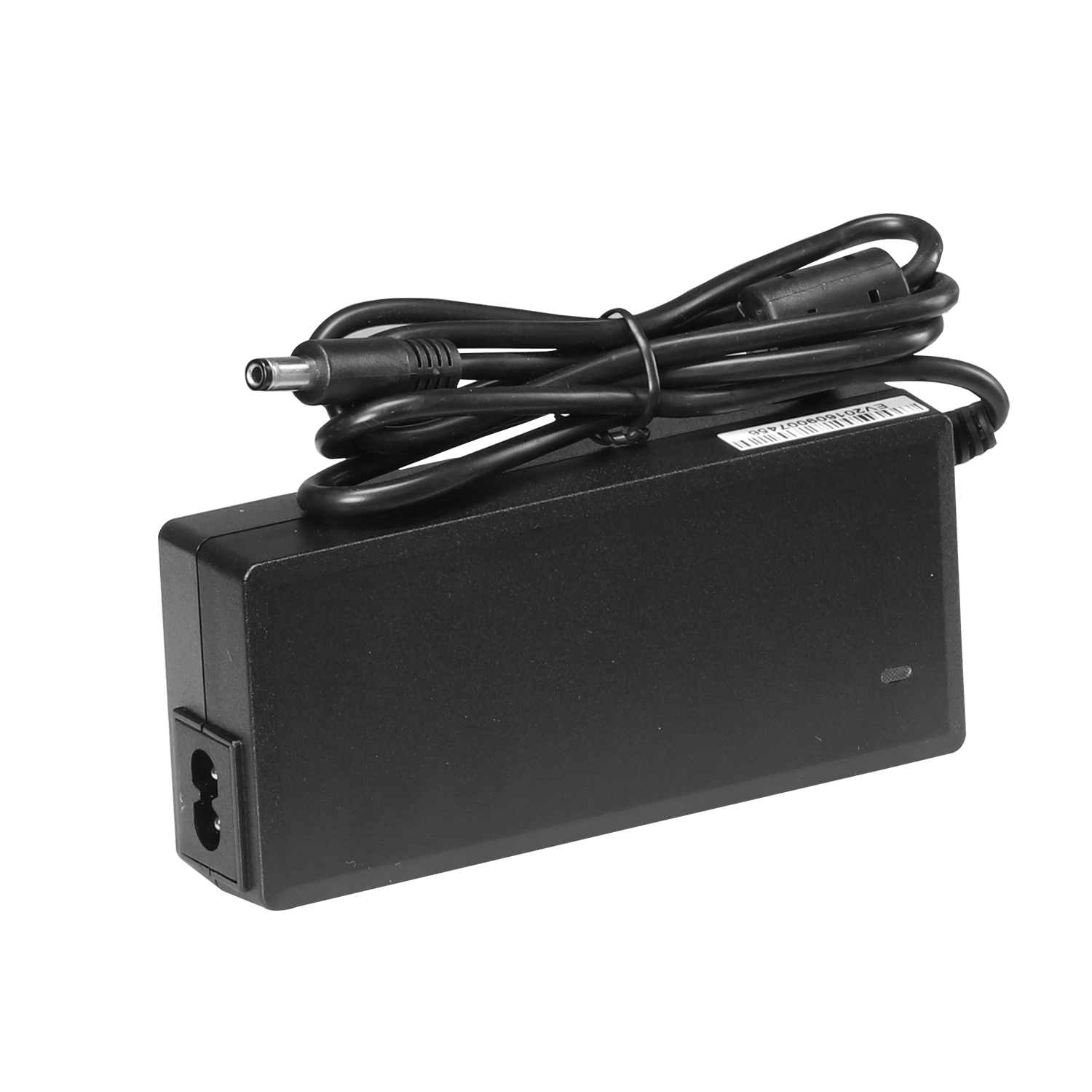
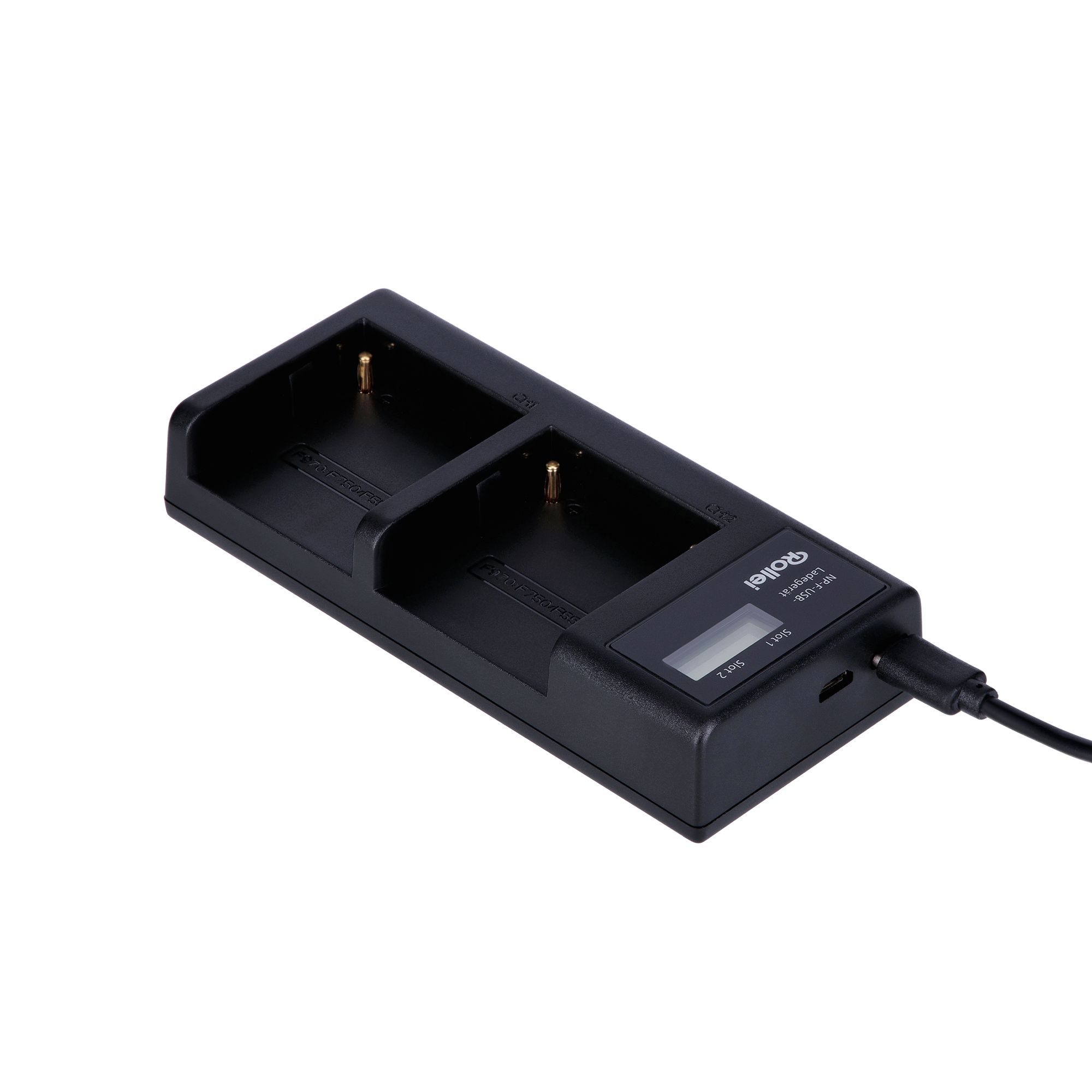
Charger | for HD-610 / HD-601 and EF-150D
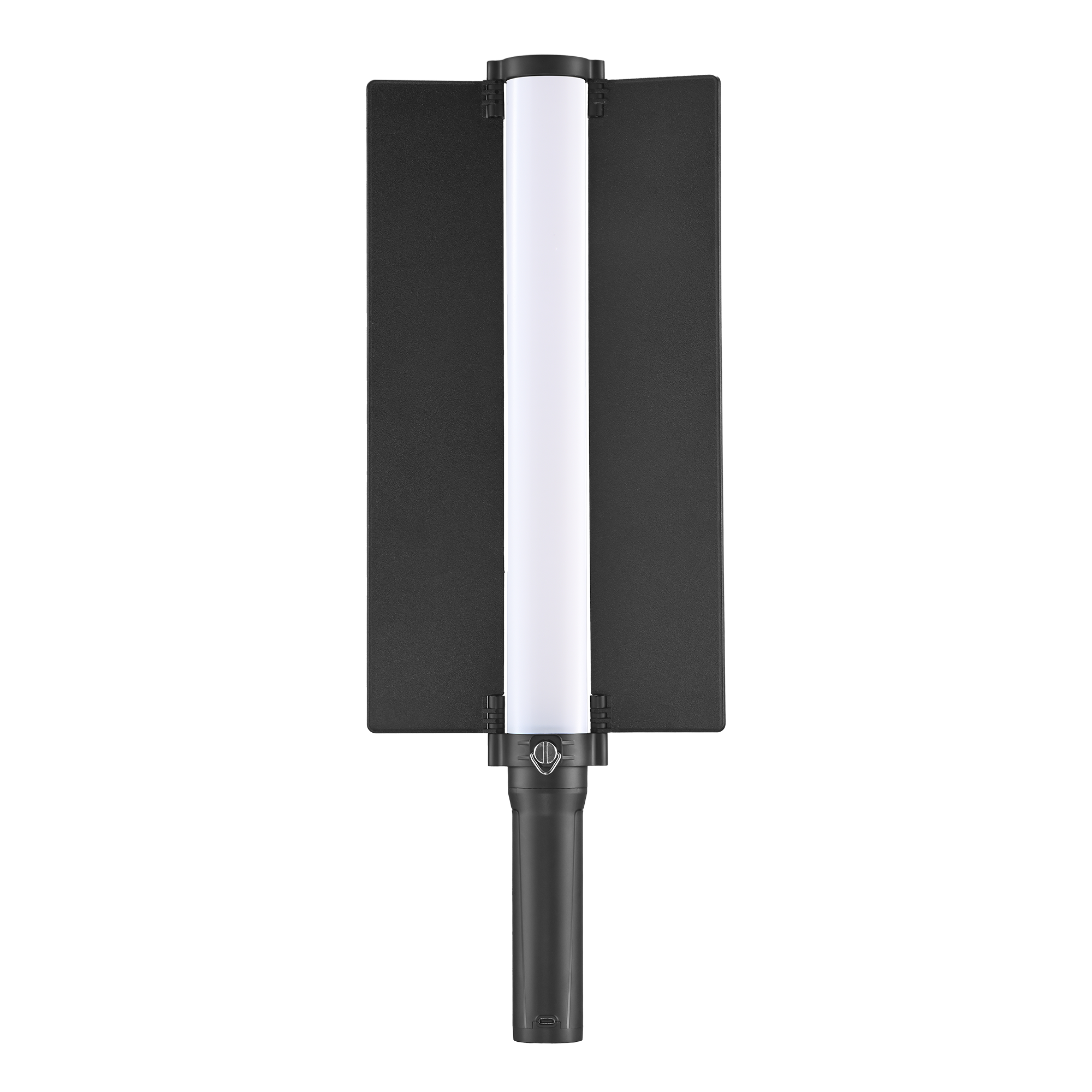
LED Stable Light | EFT-360III | RGB

Softbox with quick release and pop-up system
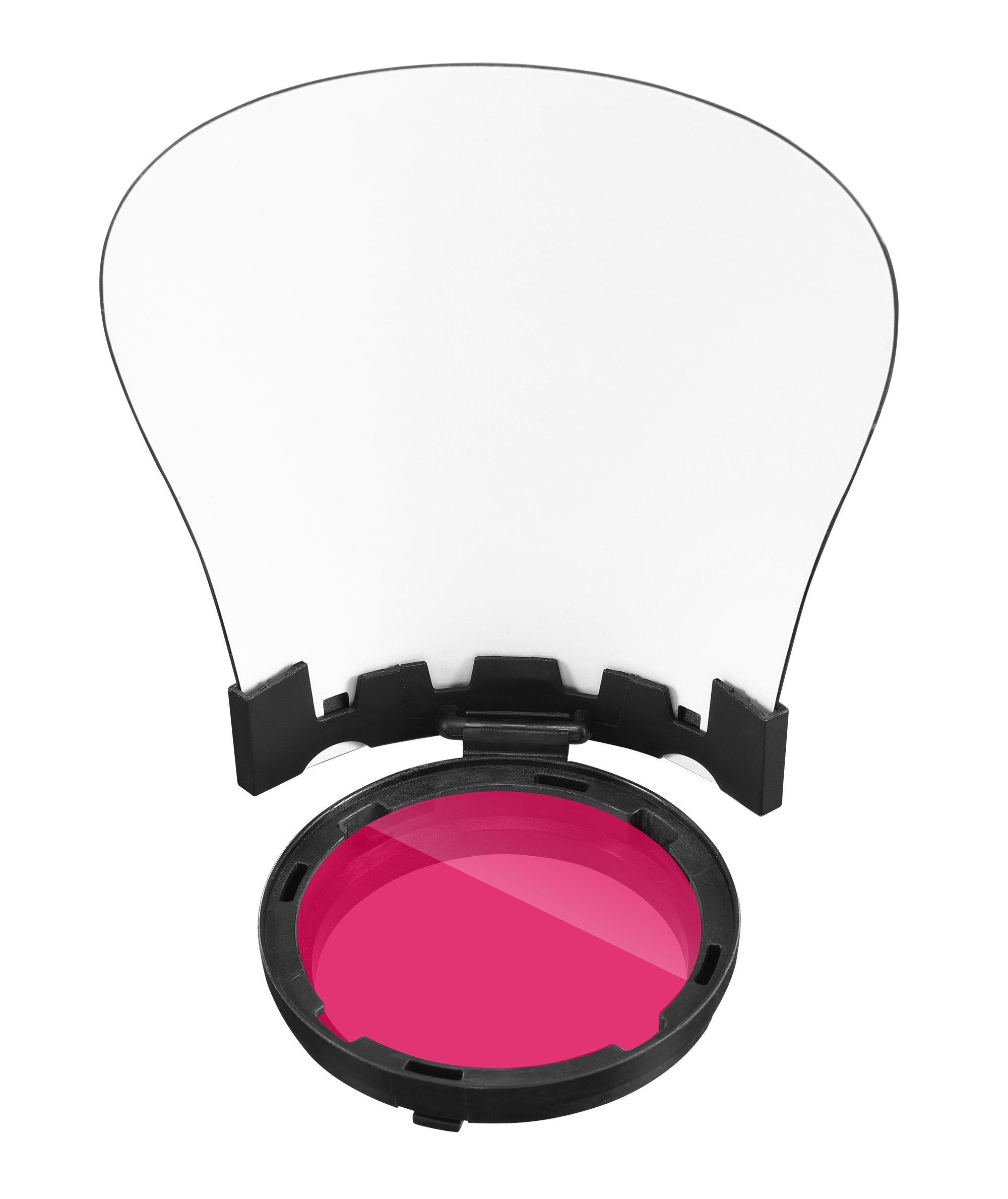
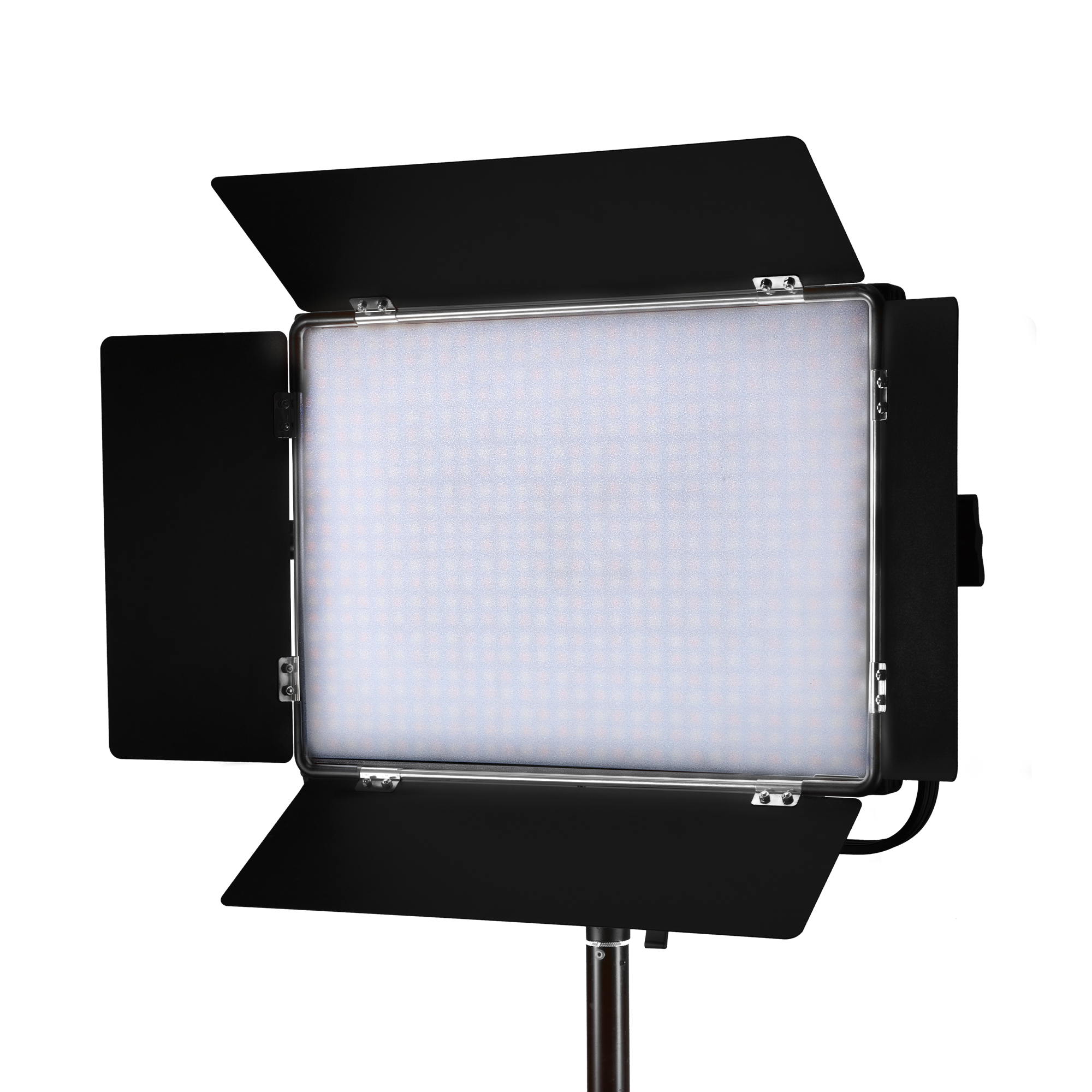
LED continuous light panel | P80RGB | RGB | 80 W
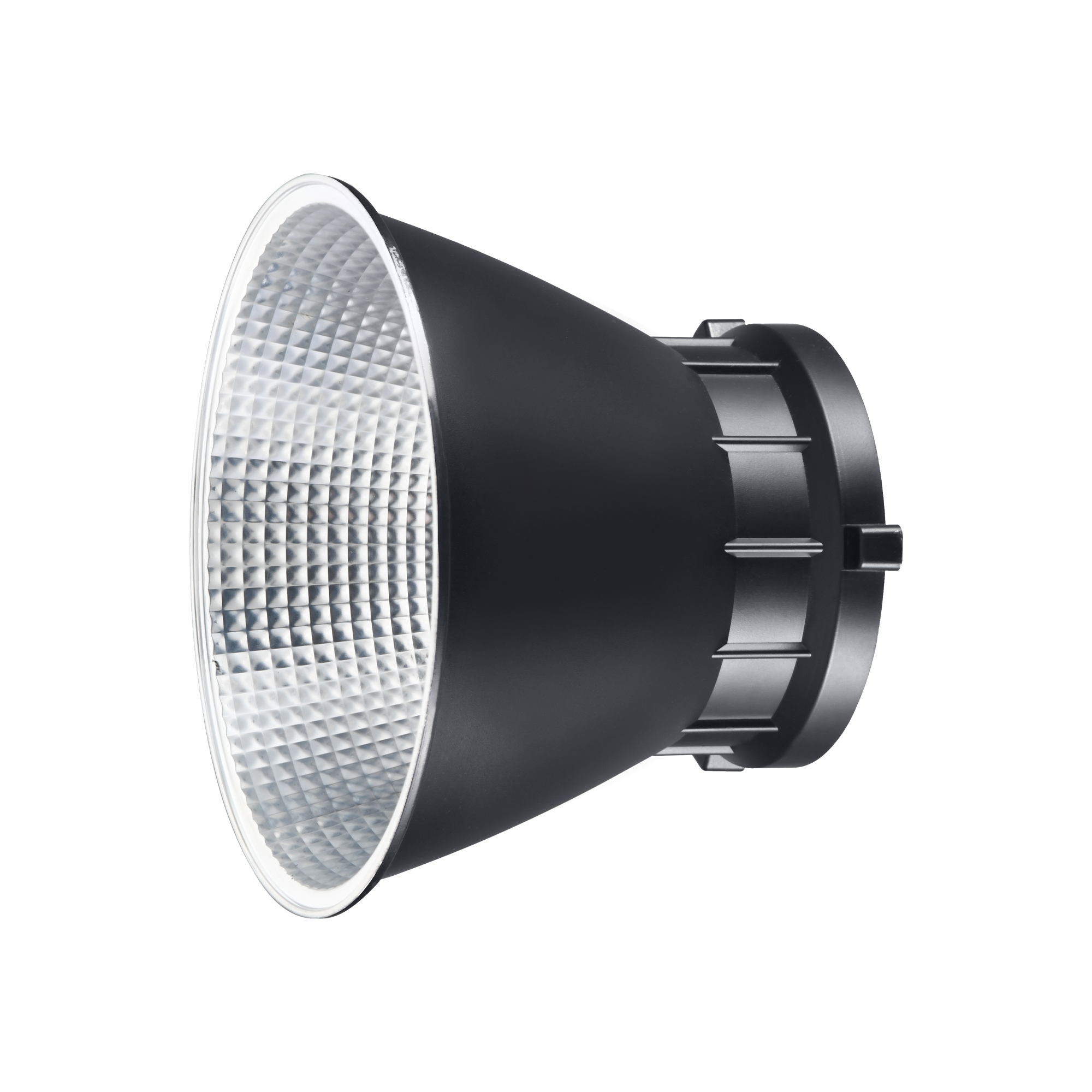
Reflektor | for EF-80/120 LED continuous lights
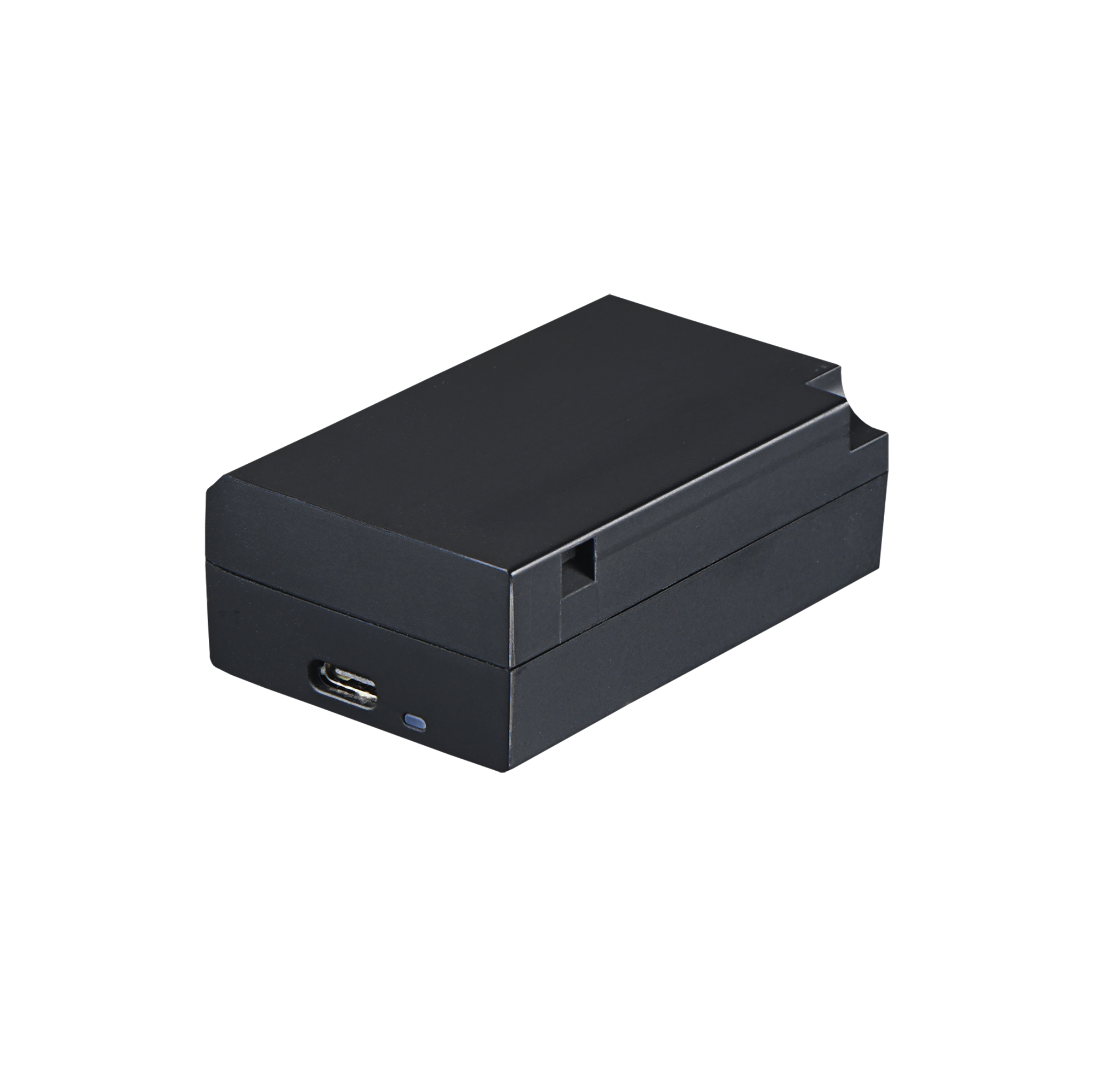
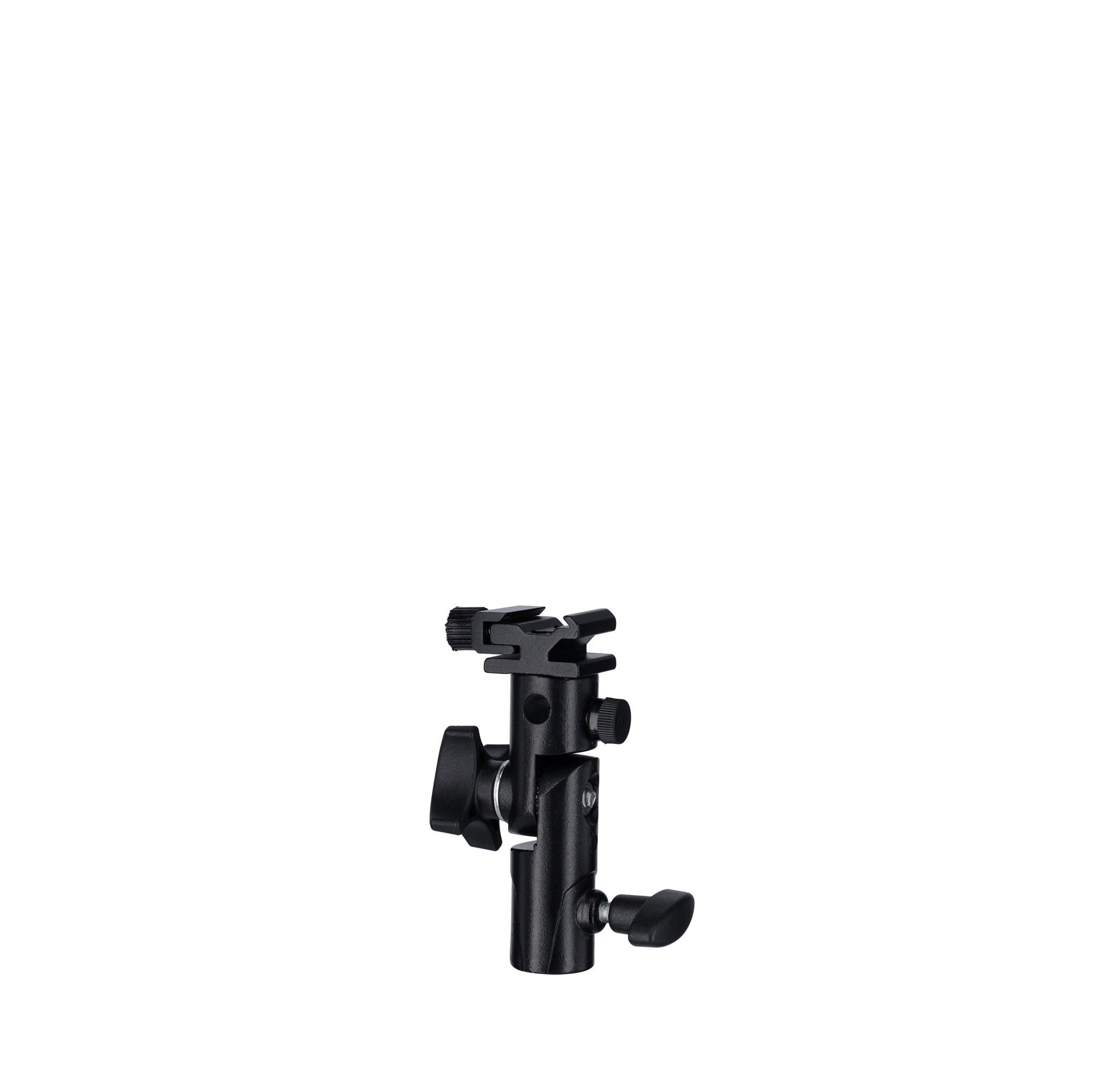

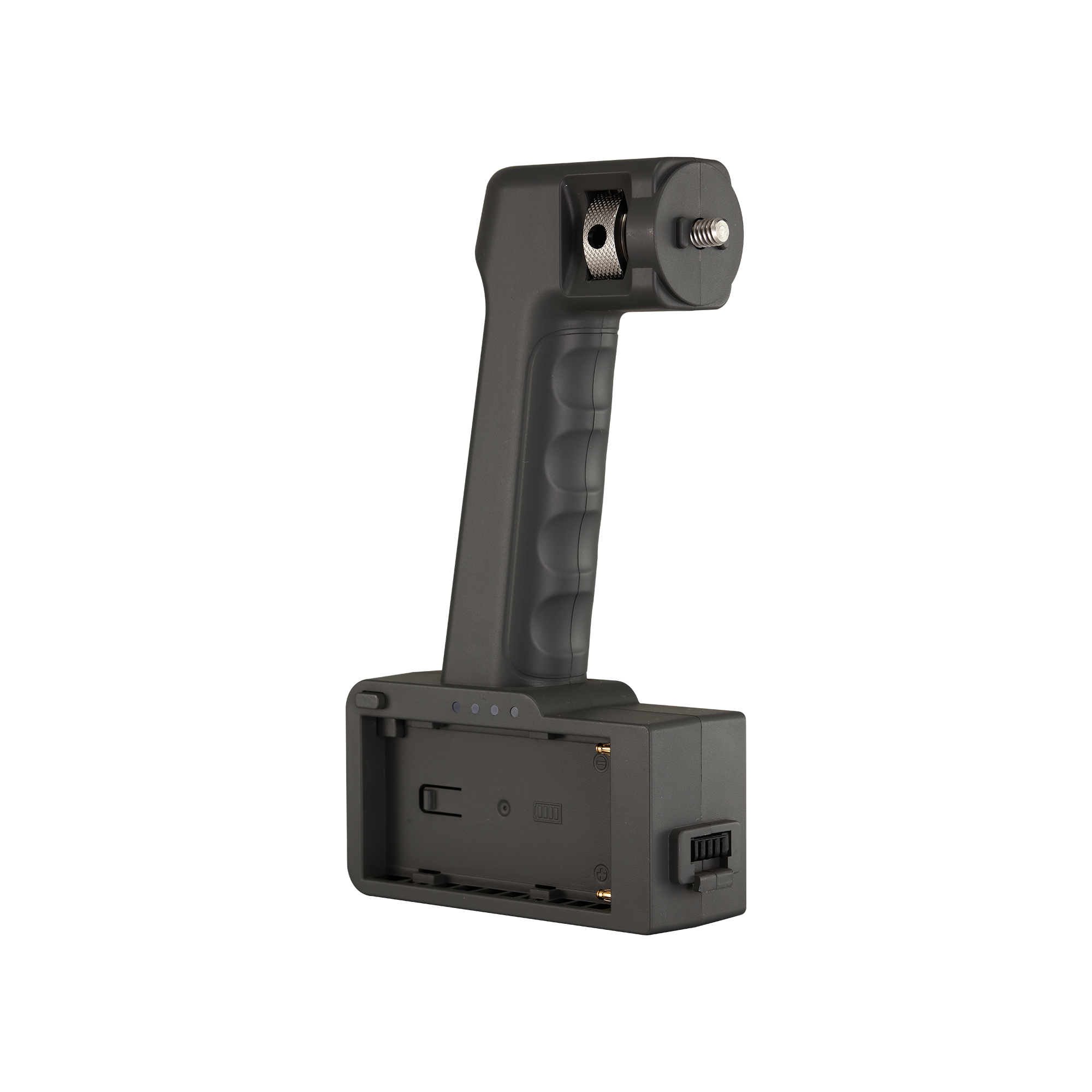
Akku-Adapter | for LED stable light EFT-860
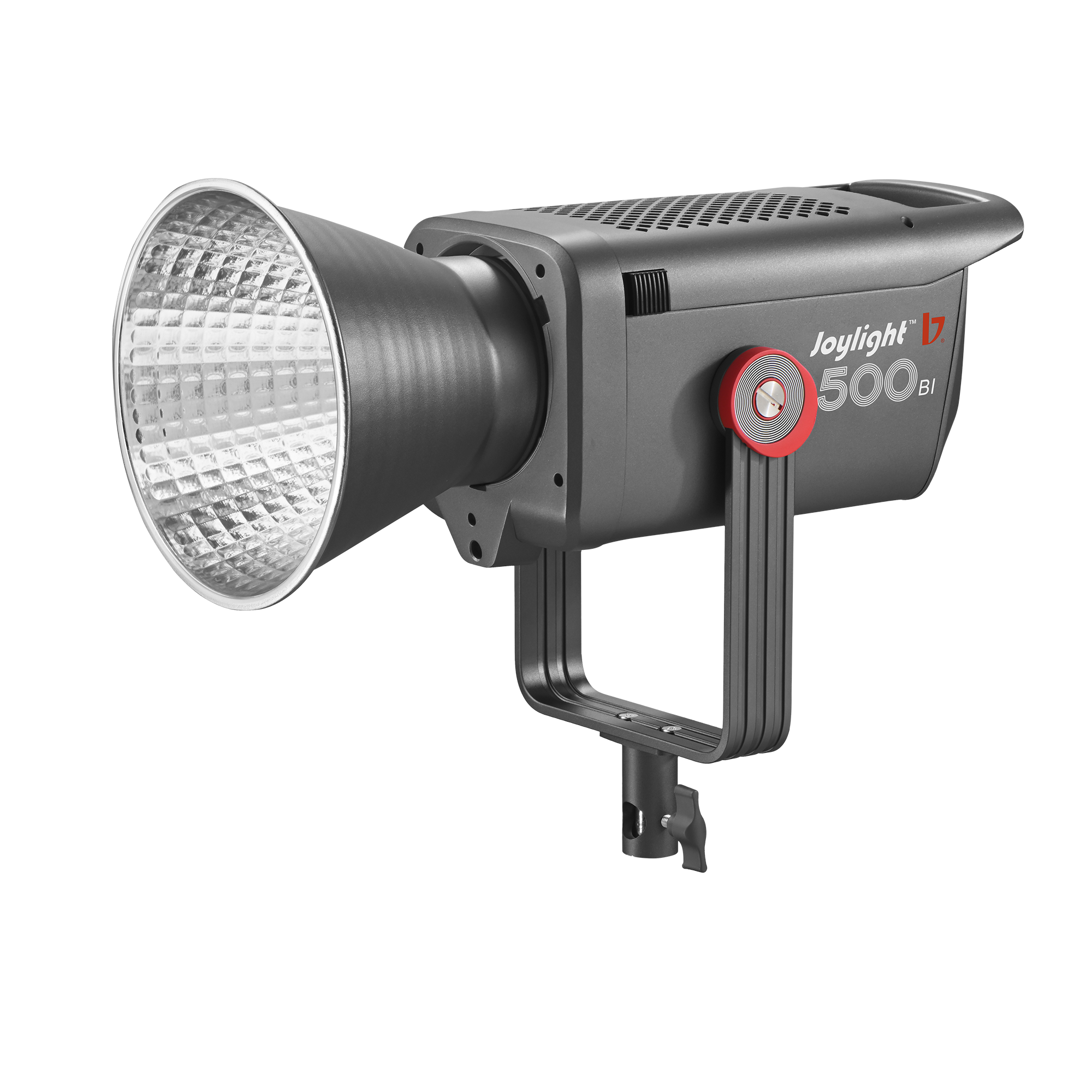
LED continuous light | JL-500Bi | Bi-Color | 500 W
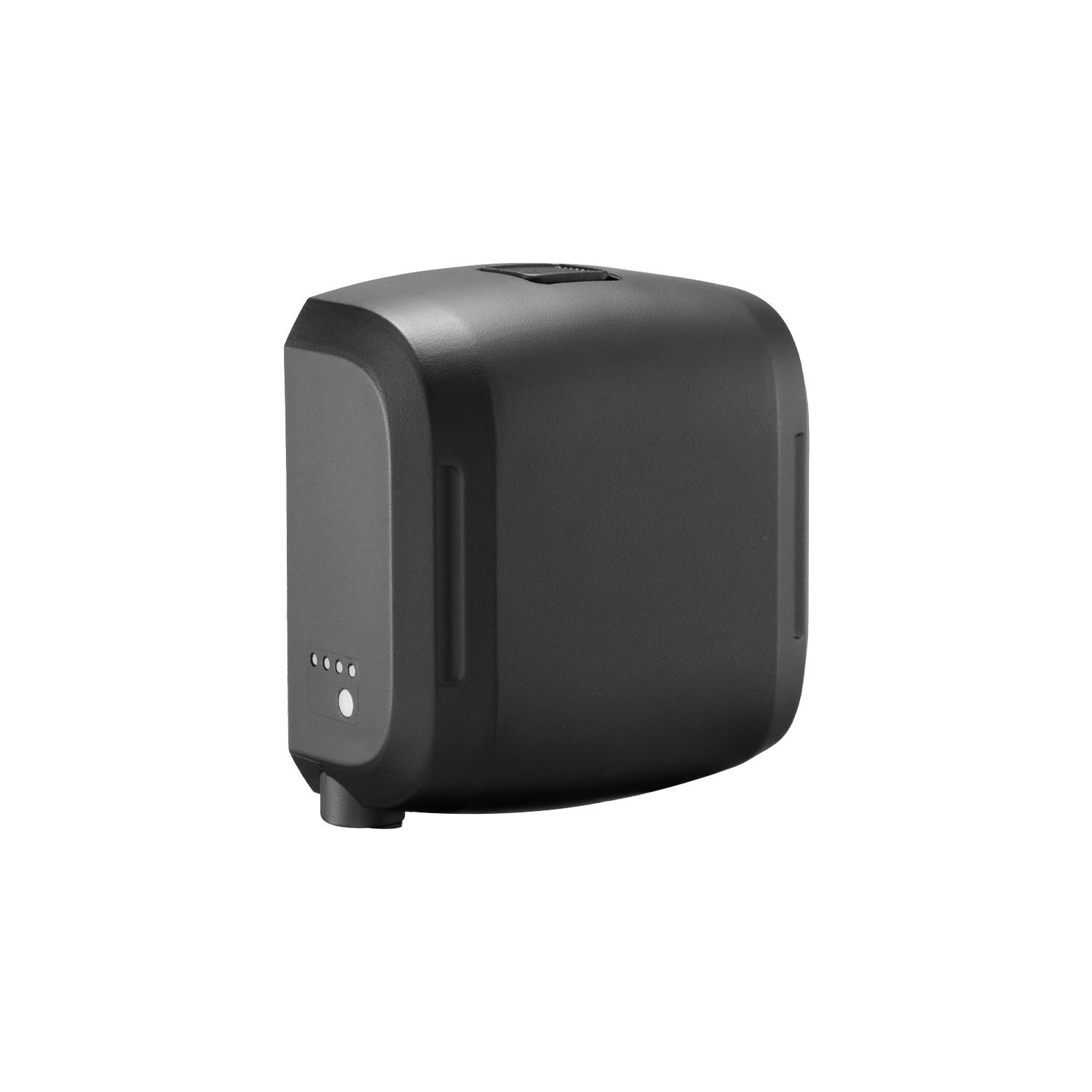
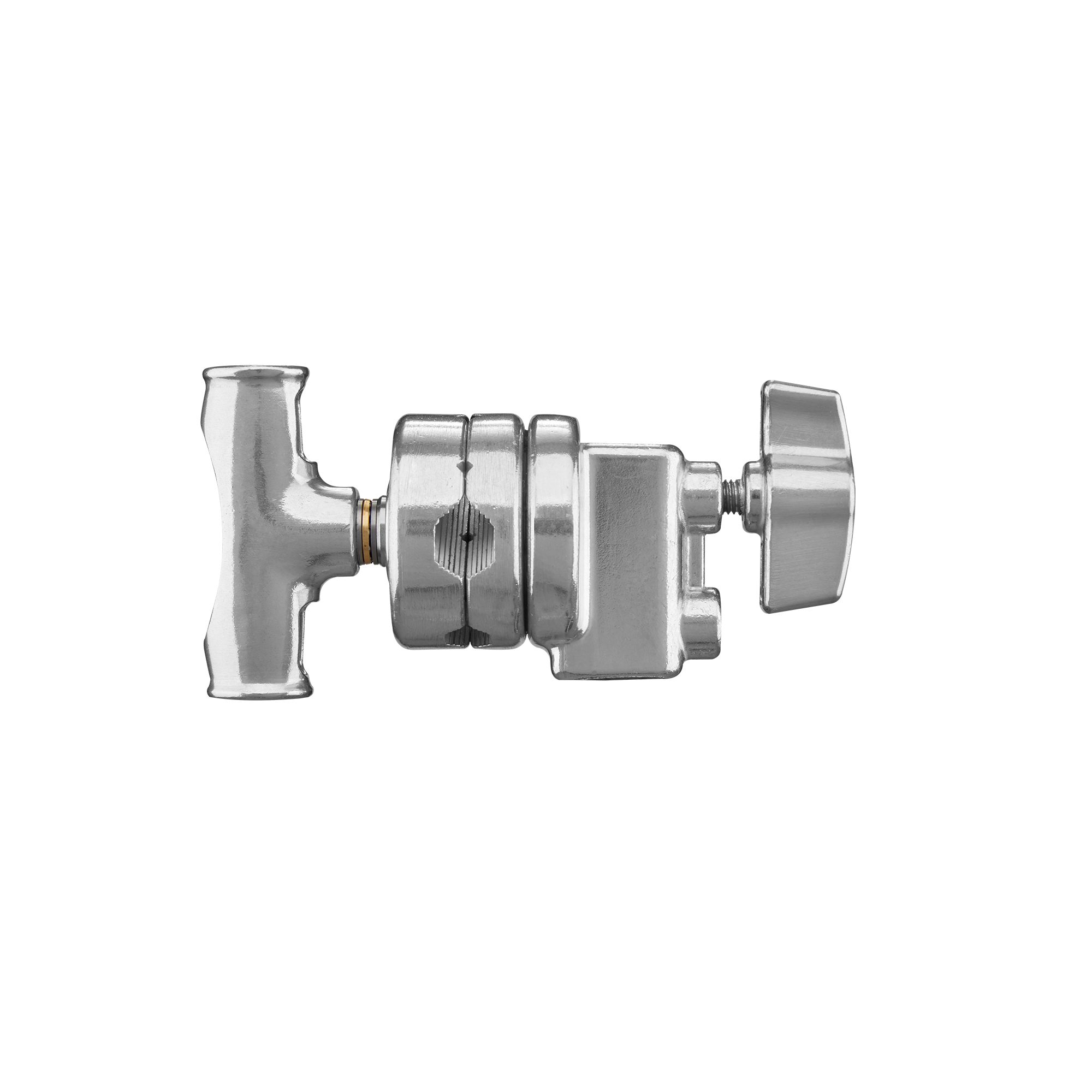

EF-200X LED Continuous Light | Bi-Color
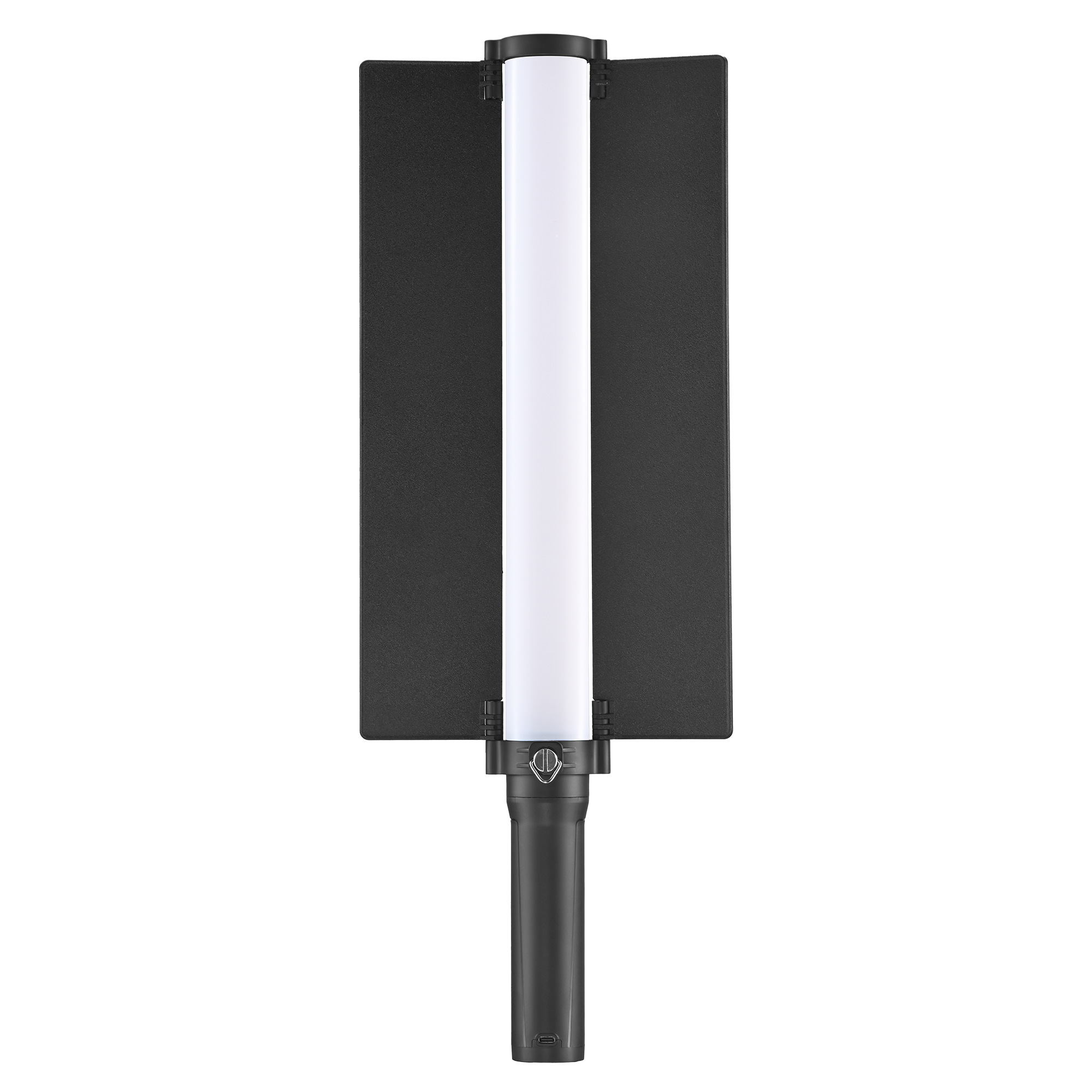
LED Stable Light | EFT-560Bi | Bi-Color
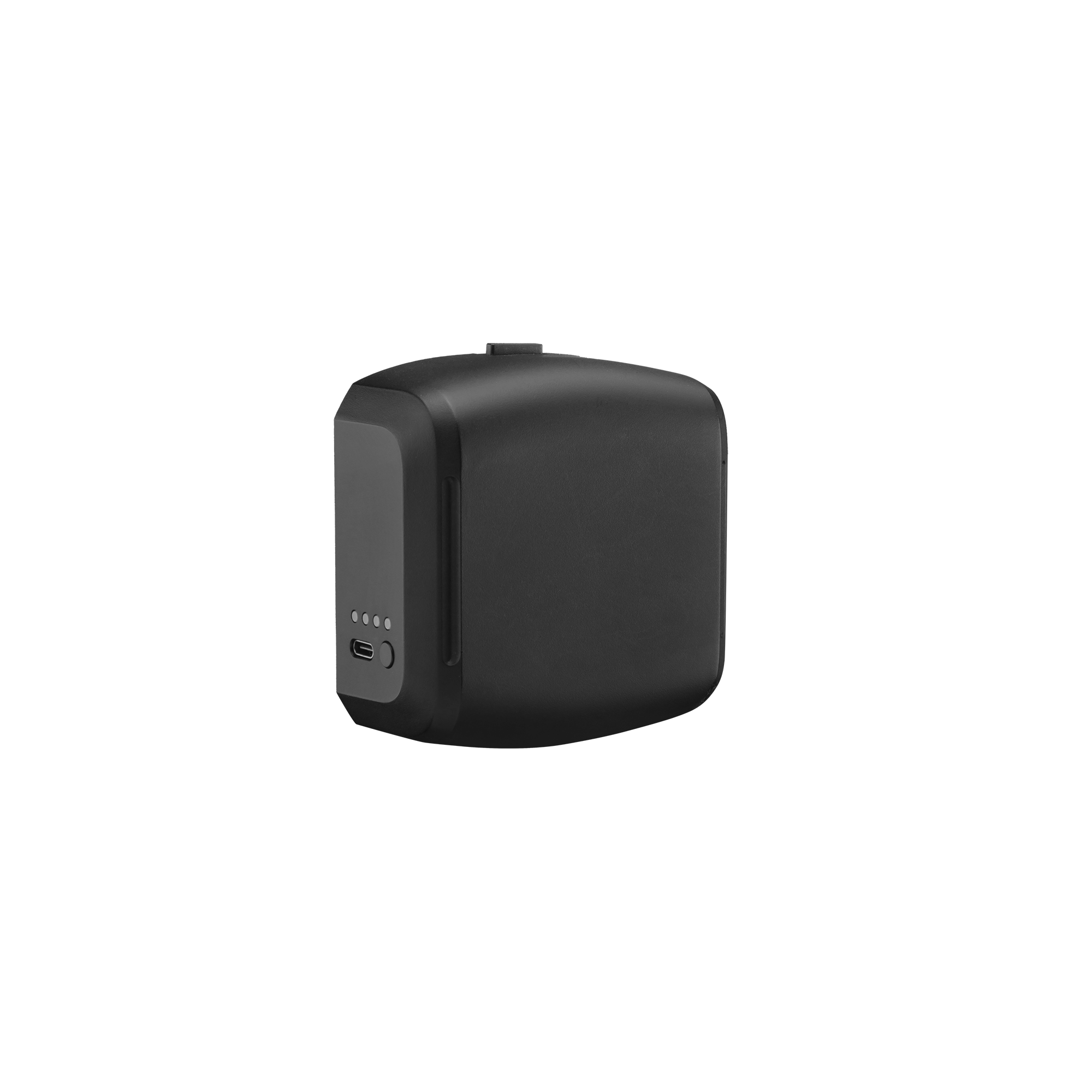

Studio Flash MSN-400 Pro II HSS


0_Template for article creation
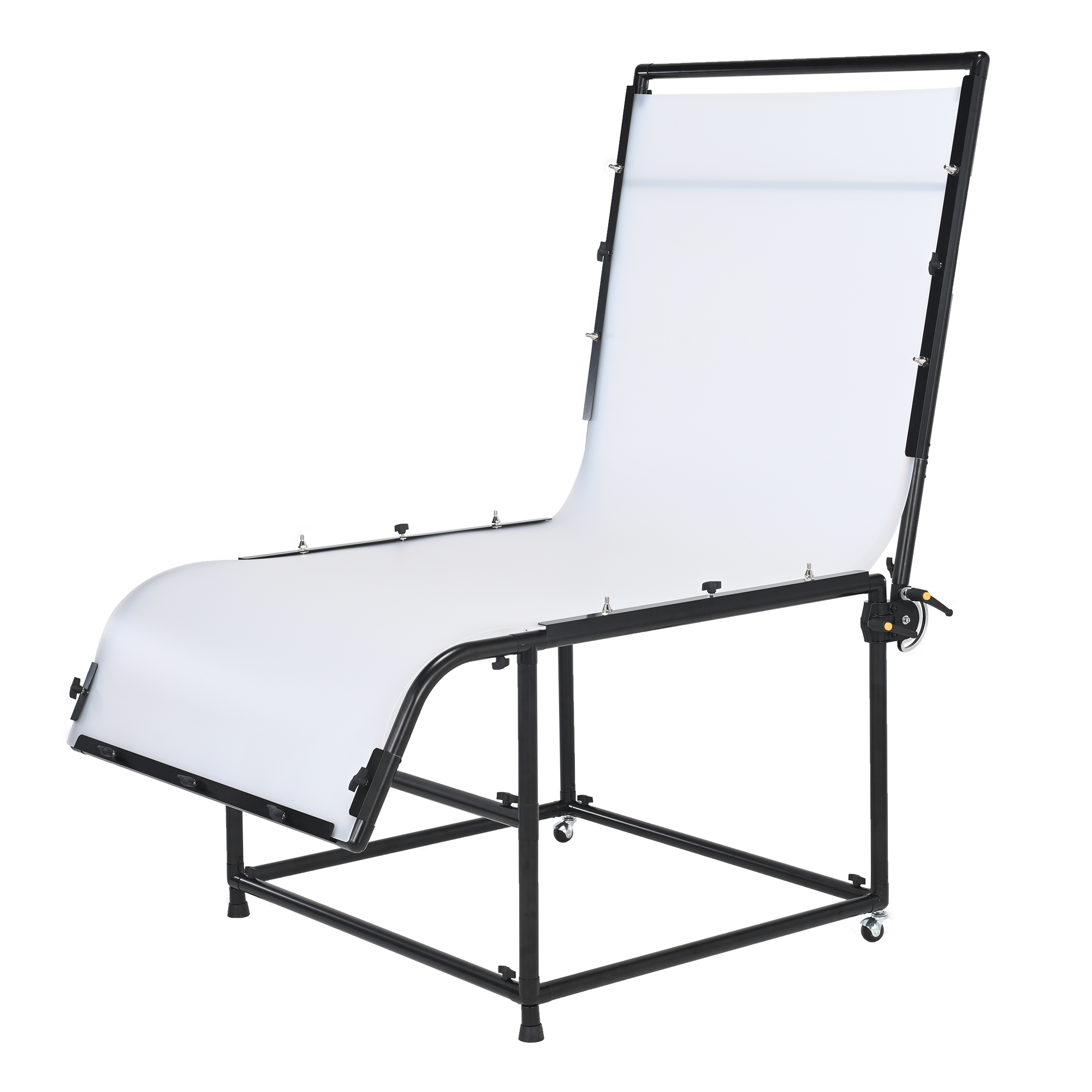
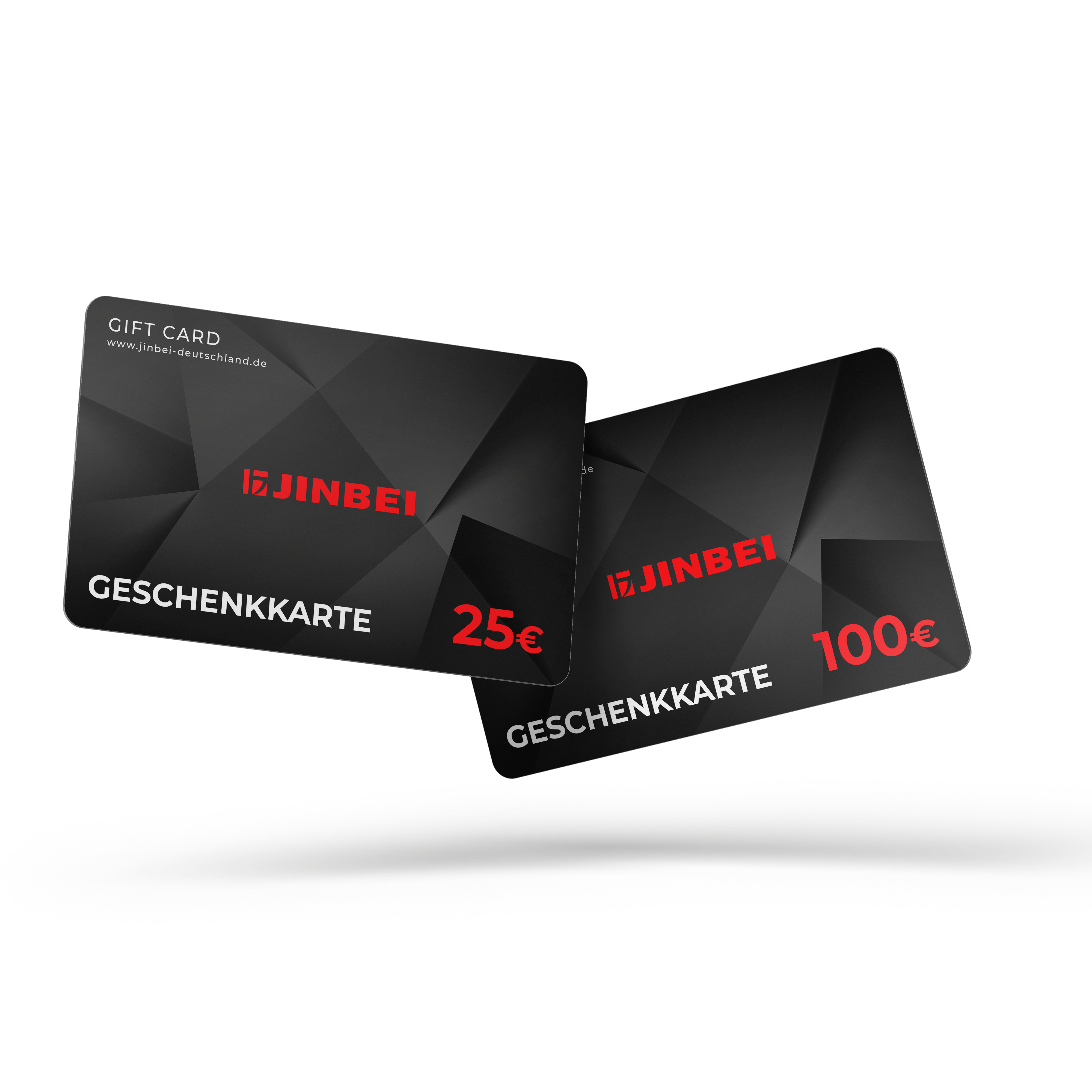
Gutschein | Jinbei Online Shop
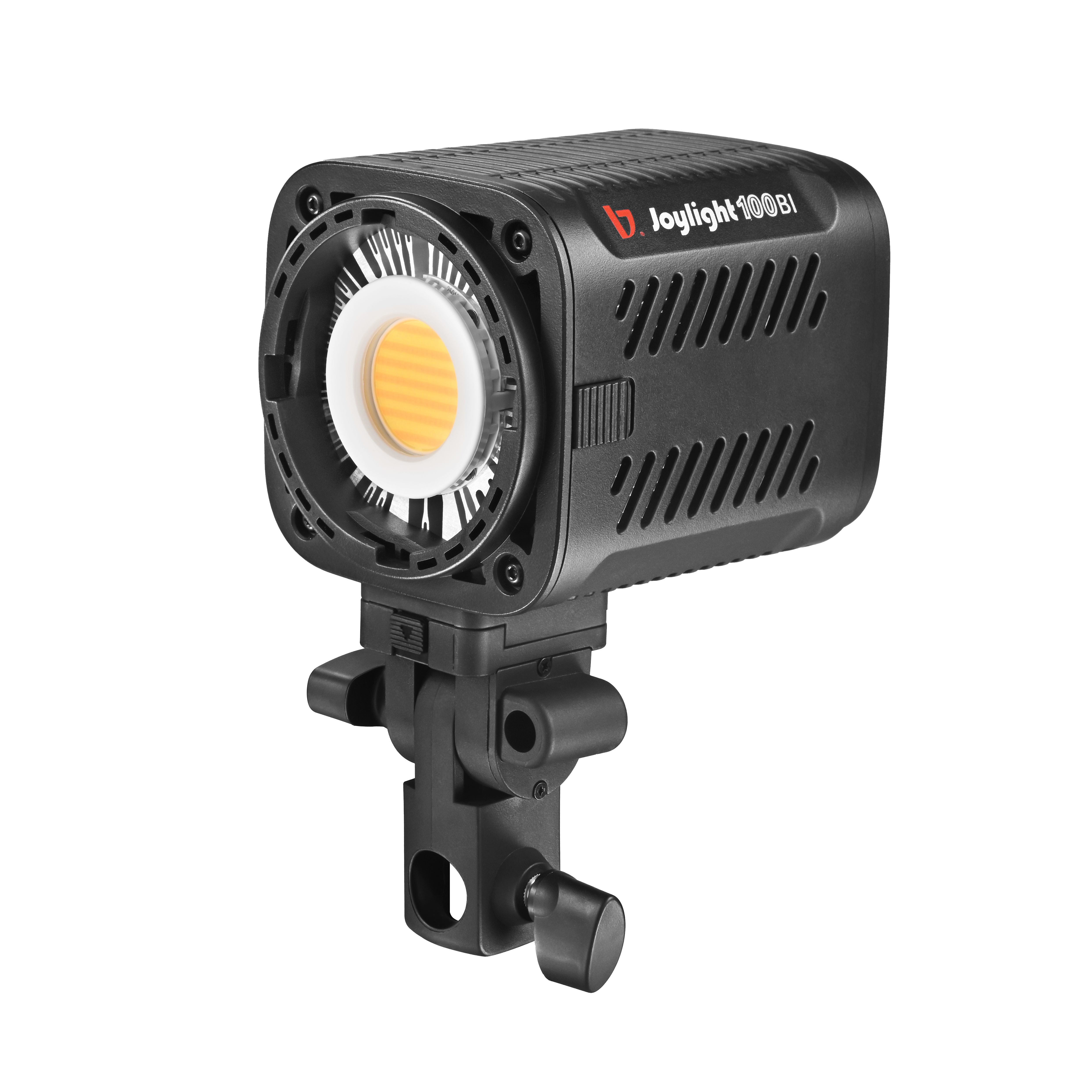
0_Template for article creation

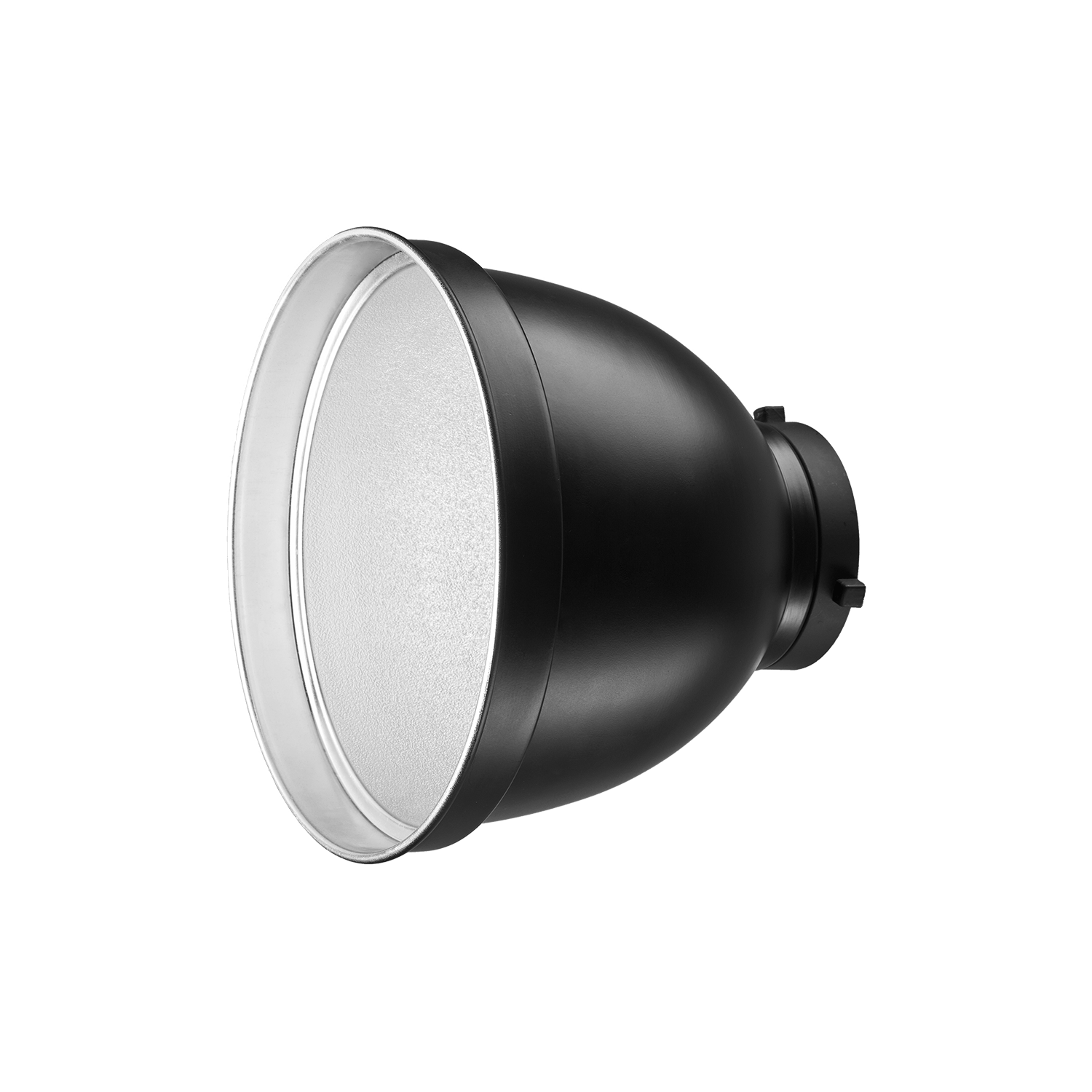
B-stock:M9 reflector 70 degrees

Studio Flash MSN-600 Pro II HSS
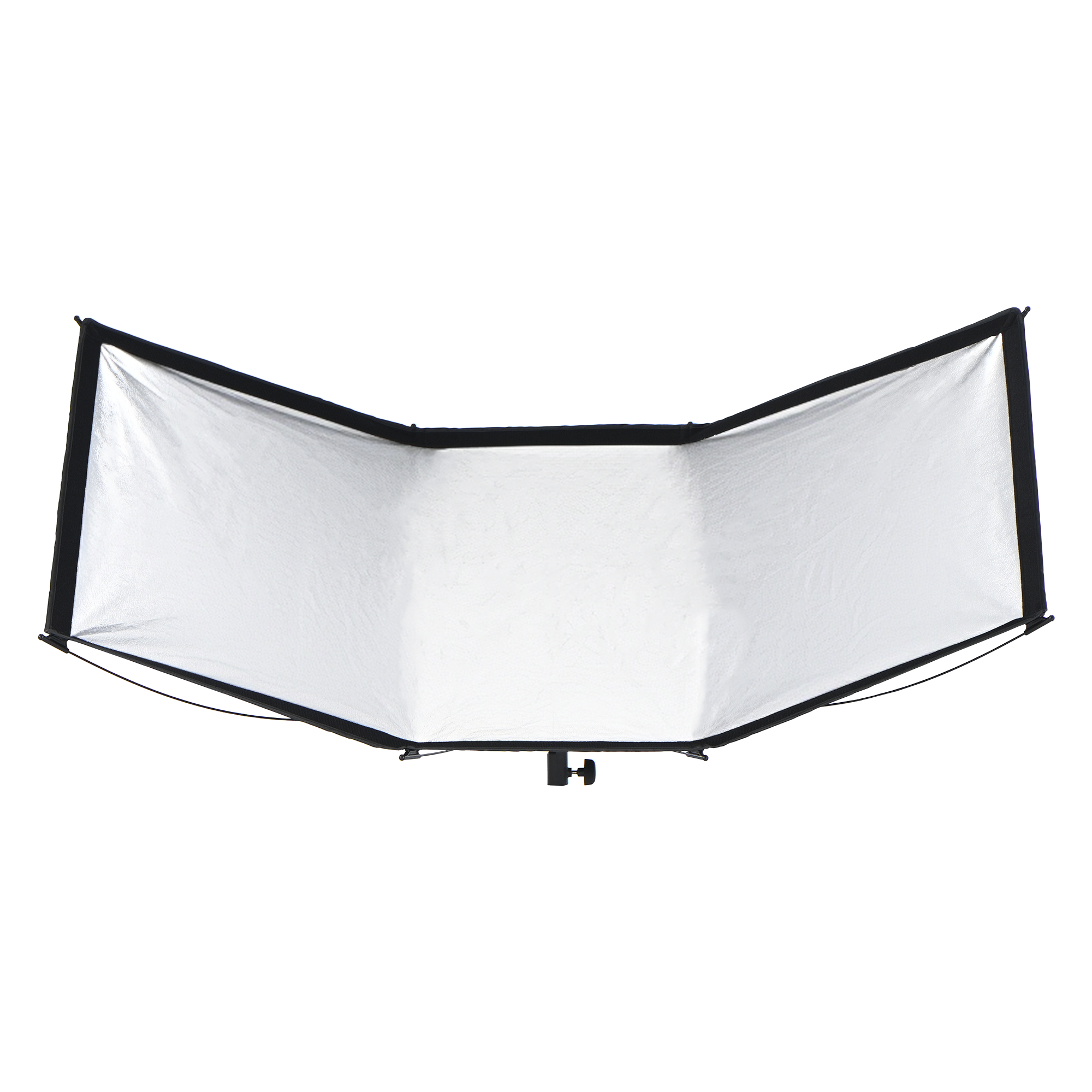
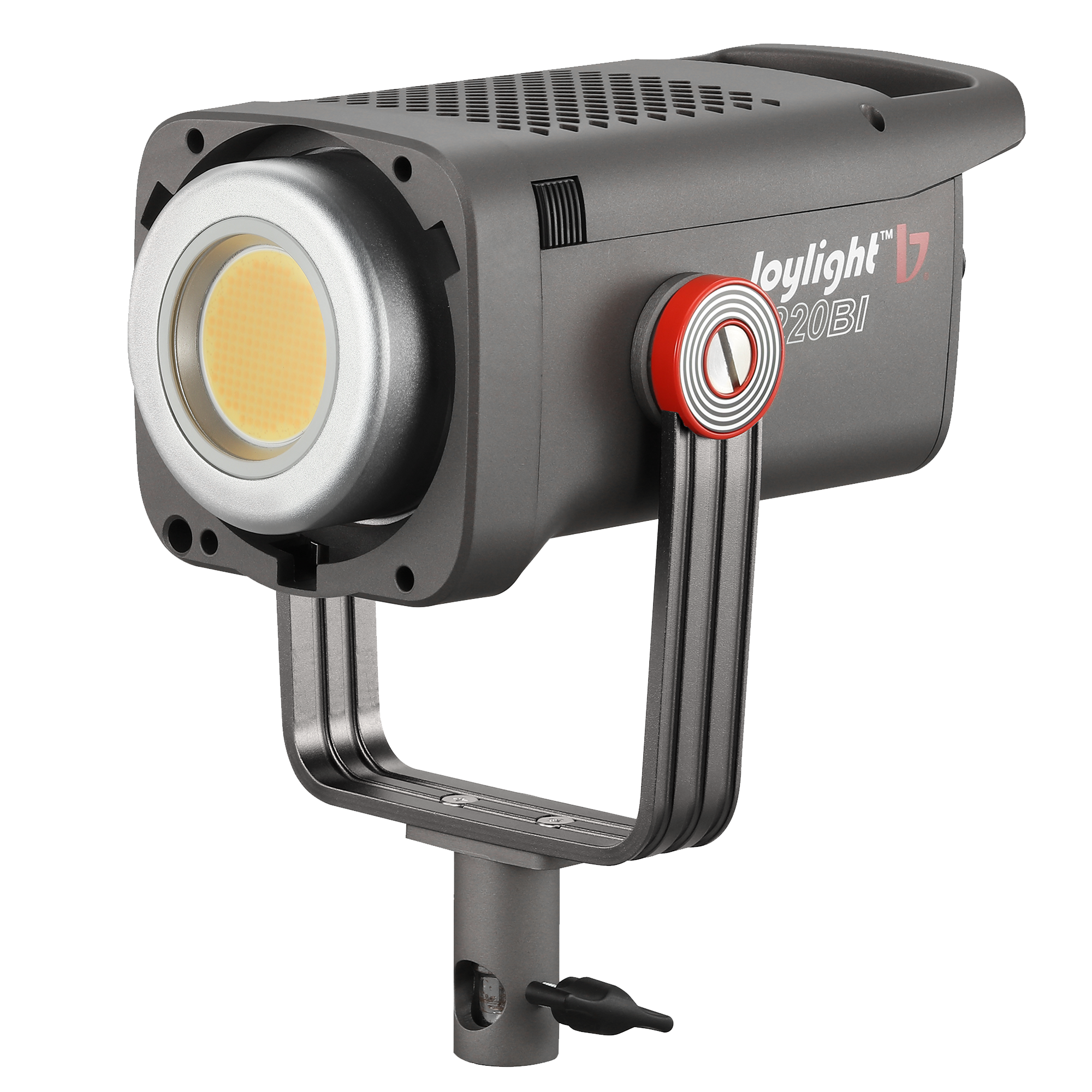
0_Template for article creation
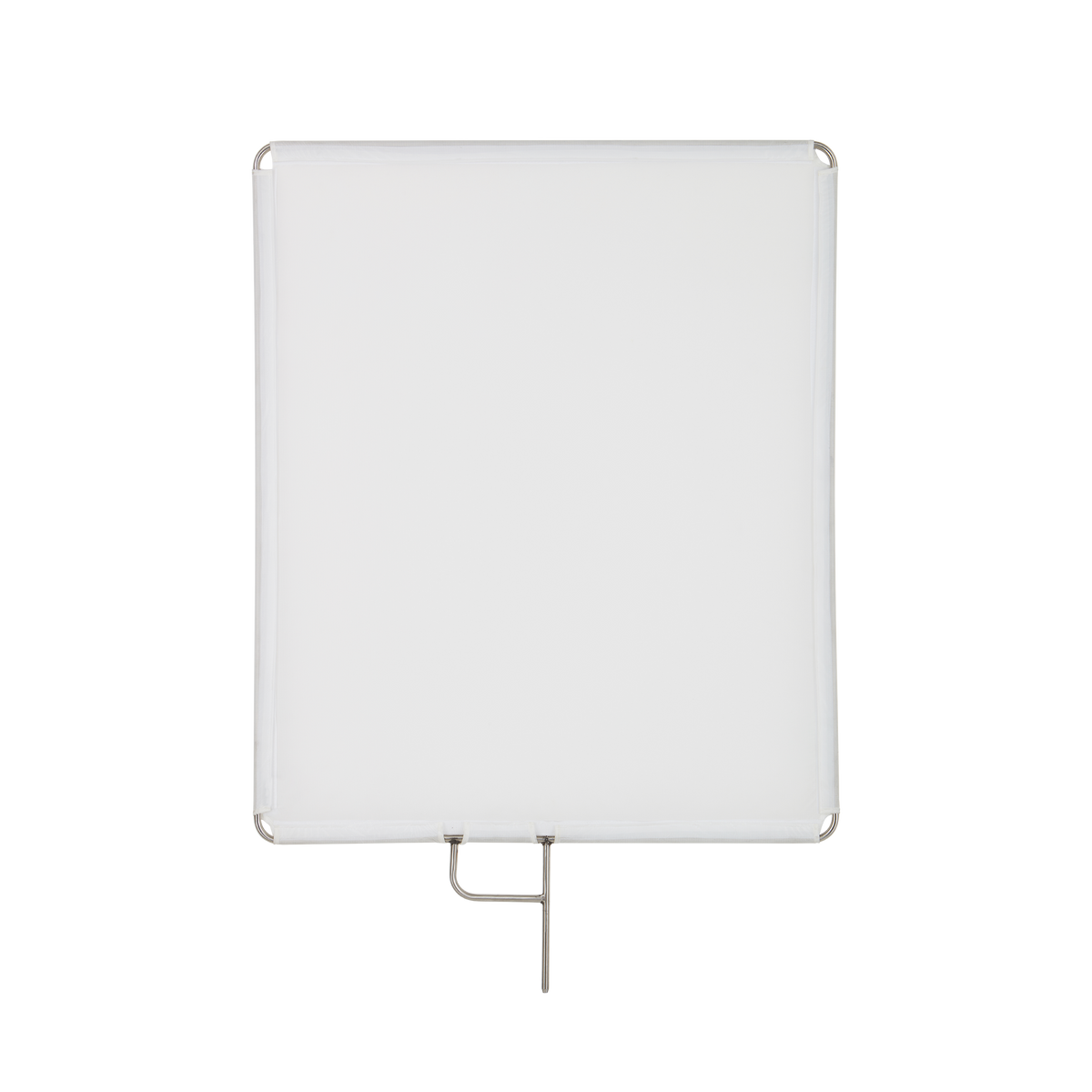
B-stock:LH-75 scrim diffuser set incl. steel frame
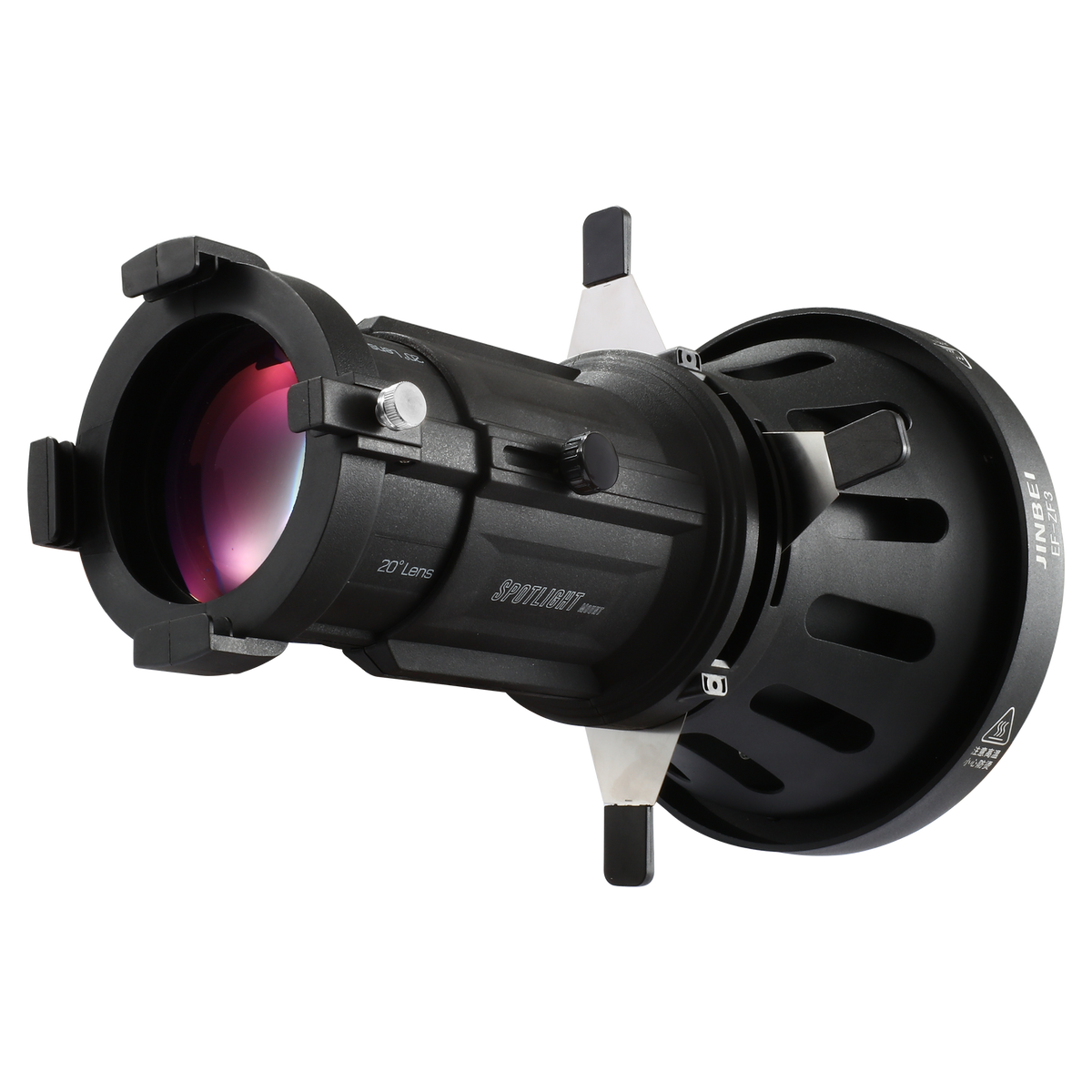
B-stock:EF-ZF3 spot attachment for LED permanent lights
This collection is used by the OrderlyEmails app, to make product recommendations in your notification emails, which automatically update over time.
- This service is currently provided for FREE, with any theme purchase.
- Recommended products shown in your email are automatically updated every 4 hours to match this collection.
- By default, your best-selling products (that are in stock & not already purchased) will be recommended.
- You can modify the rules below to change which products are recommended. Products at the top of the list are more likely to be shown.
- To enable/disable recommendations in your emails, login to the OrderlyEmails app (Shopify Admin -> Apps) and add the"Recommended products"section to an email in the editor.
Note:This collection is"hidden", it is not visible on your website.